Engineering Title Blocks
Drawings and tags leave the building with every product we ship. Customers file them, auditors check them and service technicians read them years later, so they need the same care as anything else carrying our name.
Section 22 of 28. 2 files to download.
Title blocks and machine tags
Engineering title blocks
All engineering drawings, from single part drawings to cabinet layouts and wiring diagrams, use the RPG title block from the CAD template library. Templates exist for A0 to A4 in both ISO and ANSI formats, in each of our supported CAD systems. The title block sits in the lower right corner of the sheet and carries the horizontal logo in black, the legal entity and address of the issuing plant, the drawing number, revision, scale, projection symbol, sheet size, units and the names and dates for drawn, checked and approved. The logo is fixed at 30 mm wide on every sheet size and is never stretched, recolored or replaced with the Rotor alone. Don't add product-brand lockups, divisional lockups or the tagline to a title block; product names belong in the drawing title field.
Drawings for AeroX and other customer programs follow the customer's title block when the contract requires it. In that case our logo goes in the supplier field only. Questions about templates go to the CAD administrator at each plant.
Machine tags
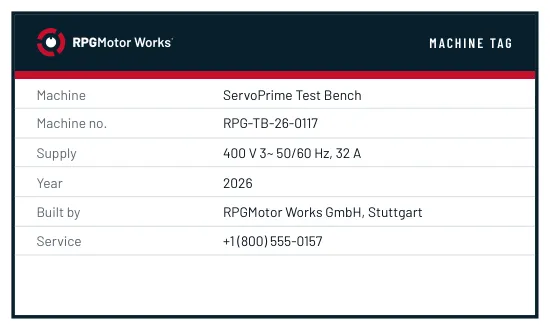
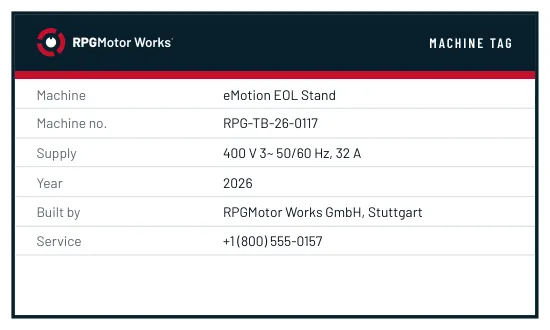
Asset tags on our own production equipment carry the Rotor, the plant code and the asset number, black on brushed aluminum, riveted or bonded to the frame.
RPG ServiceLine tags
When RPG ServiceLine repairs, rewinds or overhauls a motor, the technician fixes a ServiceLine service tag next to the original rating plate. The tag shows the ServiceLine lockup, the repair center, the job number, the date and the work done, and it never covers or replaces the rating plate. Order tags from Kessler Druck through ServiceLine Operations.