PowerPoint
Use the 2027 template below for every customer, partner and internal deck. Layouts, colors and fonts are built in, and the facilities map is ready to copy.
Section 11 of 28. 2 files to download.
PowerPoint templates
What the template contains
Showing 12 of 21 pages. Download the file for the rest.
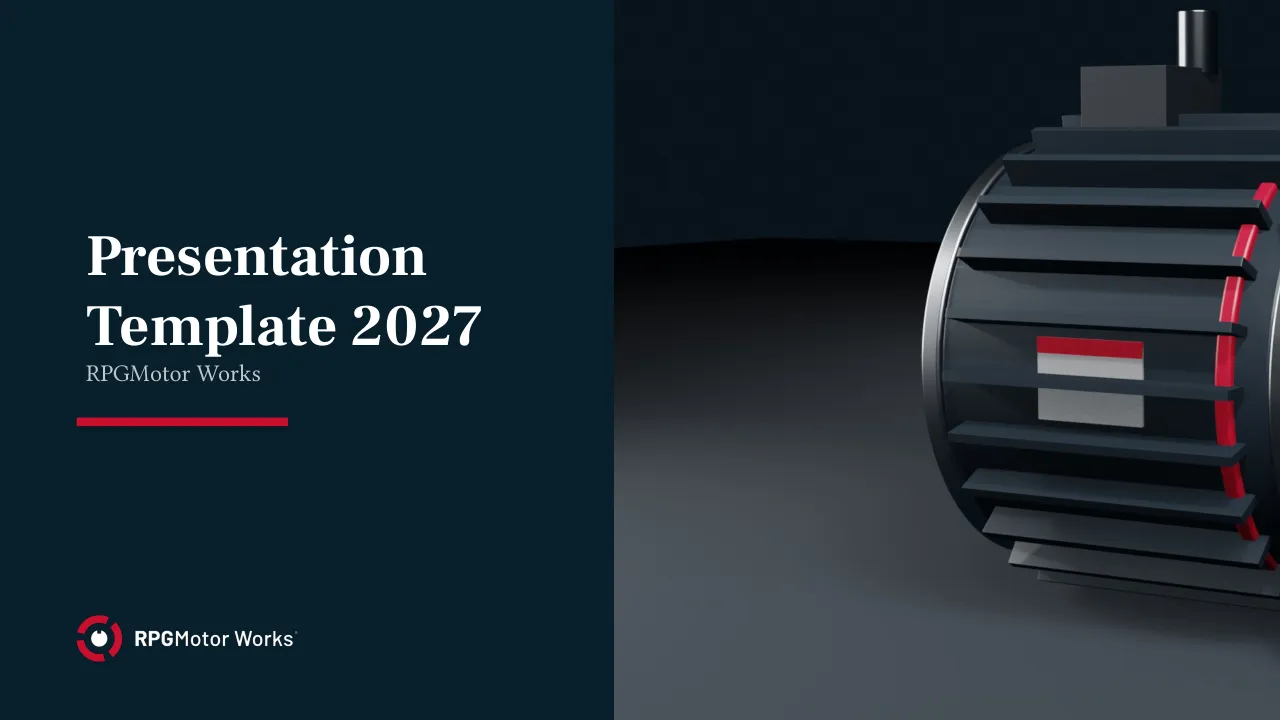
Title slide
Horizontal lockup top left, application photo on the right. Title in Barlow ExtraBold, two lines at most.
- Presenter name, job title and date go in the subtitle box.
Title slide, Stator Navy
For keynotes and the RPGMotor Engineering Summit. The white lockup sits on a full Stator Navy background.
Section divider
Section number in RPG Red, section title in white on Stator Navy. Keep titles under six words.
Agenda
Up to six items. Numbering and spacing are set by the layout, so don't add your own.
- Use the agenda again as a progress marker before each section, with the current item in RPG Red.
Title and content
- Six bullets at most, two levels deep.
- If Barlow isn't installed, the template falls back to Arial; keep body text at 18 pt or larger.
Two columns
Compare two options, or pair a short text column with an image or chart.
- Keep both columns the same length; move overflow to a new slide rather than shrinking the type.
Three columns
For three benefits or three steps. Each column takes one icon from the icon library.
Product family overview
One family per slide: render, family name with ® or ™, descriptor in caps and three key specs.
- Renders come from the 3D model library on the Video & Photography page.
Product comparison table
Steel Gray header row with Aluminium shading. SI units first, imperial in parentheses.
Application photo
Full-bleed photo with a Stator Navy caption bar. Use only photos from the image library.
Case study
Challenge, solution, result in three blocks.
- Get the customer's written approval before showing it outside RPGMotor Works.
Data chart
Data Blue and Signal Yellow for series, Steel Gray for axes and gridlines.
- Add a source line under every chart.
Key figures
Up to four large numbers in RPG Red, each with a one-line label.
Timeline
Milestones run left to right, eight at most.
- Dates in Barlow Condensed SemiBold caps, one short line of text per milestone.
Quote
Customer or employee quote with name, job title and organization. A signed release is required.
Team and contacts
Portraits cropped to circles, name and role below each one.
- Use the official portrait from the HR directory; no selfies or cropped group photos.
Global footprint
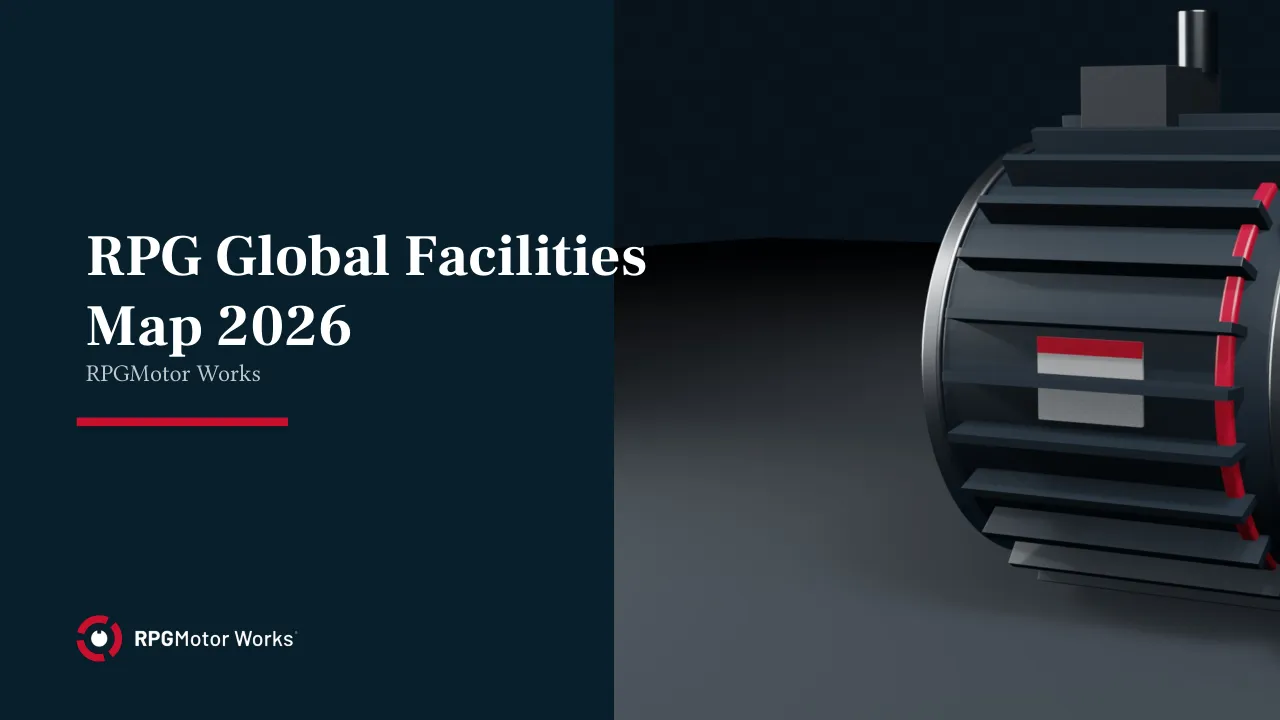
Map with our eight facilities. Copy it from the RPG Global Facilities Map 2026 deck rather than drawing your own.
Software screen
Device frame for DriveSense® screenshots. Blur customer names and asset IDs.
Image and text
Half-page image with a headline and up to 60 words of text.
Closing
Tagline lockup with contact details. Never retype the tagline in plain text.
- The legal line and copyright notice stay on this slide.
Facilities map slide
Map slide
World map in Aluminium with a red pin for each facility. Stuttgart has a larger pin as global headquarters.
- Copy the slide into your deck; don't move the pins.
Our eight facilities
- Stuttgart, Germany: global headquarters and R&D
- Munich, Germany: manufacturing, AeroX® and eMotion®
- Kitchener, Ontario, Canada: manufacturing and Americas headquarters
- Detroit, Michigan, USA: mobility engineering and manufacturing
- Greenville, South Carolina, USA: Industrial Drives manufacturing
- San Luis Potosí, Mexico: EV traction plant
- Pune, India: manufacturing and engineering
- Bengaluru, India: R&D and software center, home of DriveSense®
Files