Video & Photography
Section 8 of 28. 38 files to download.
Imagery
Filming systems and testimonials
Filming motors and automated systems
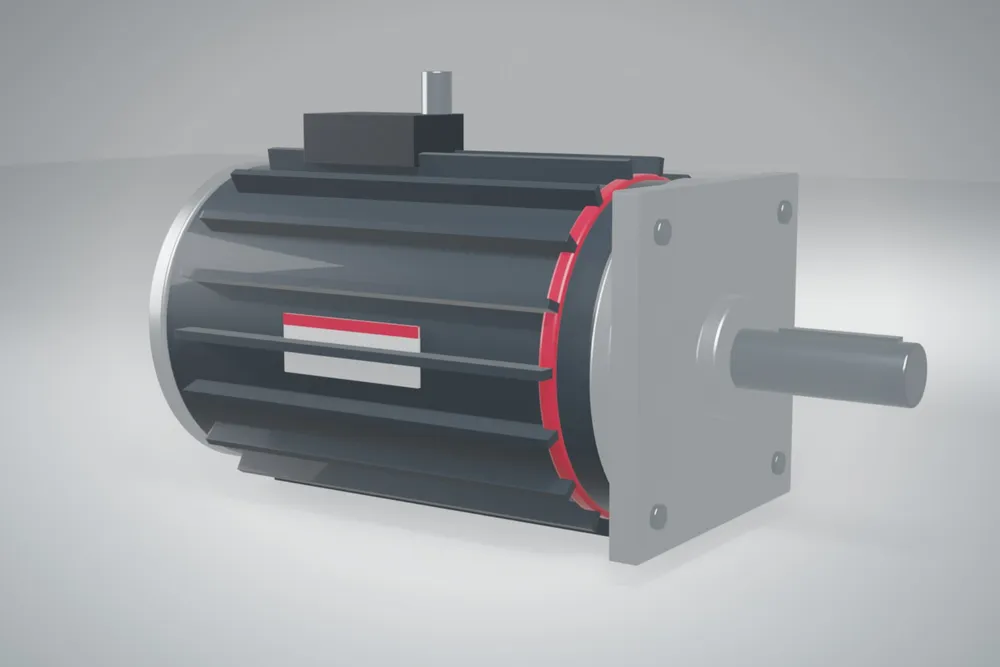
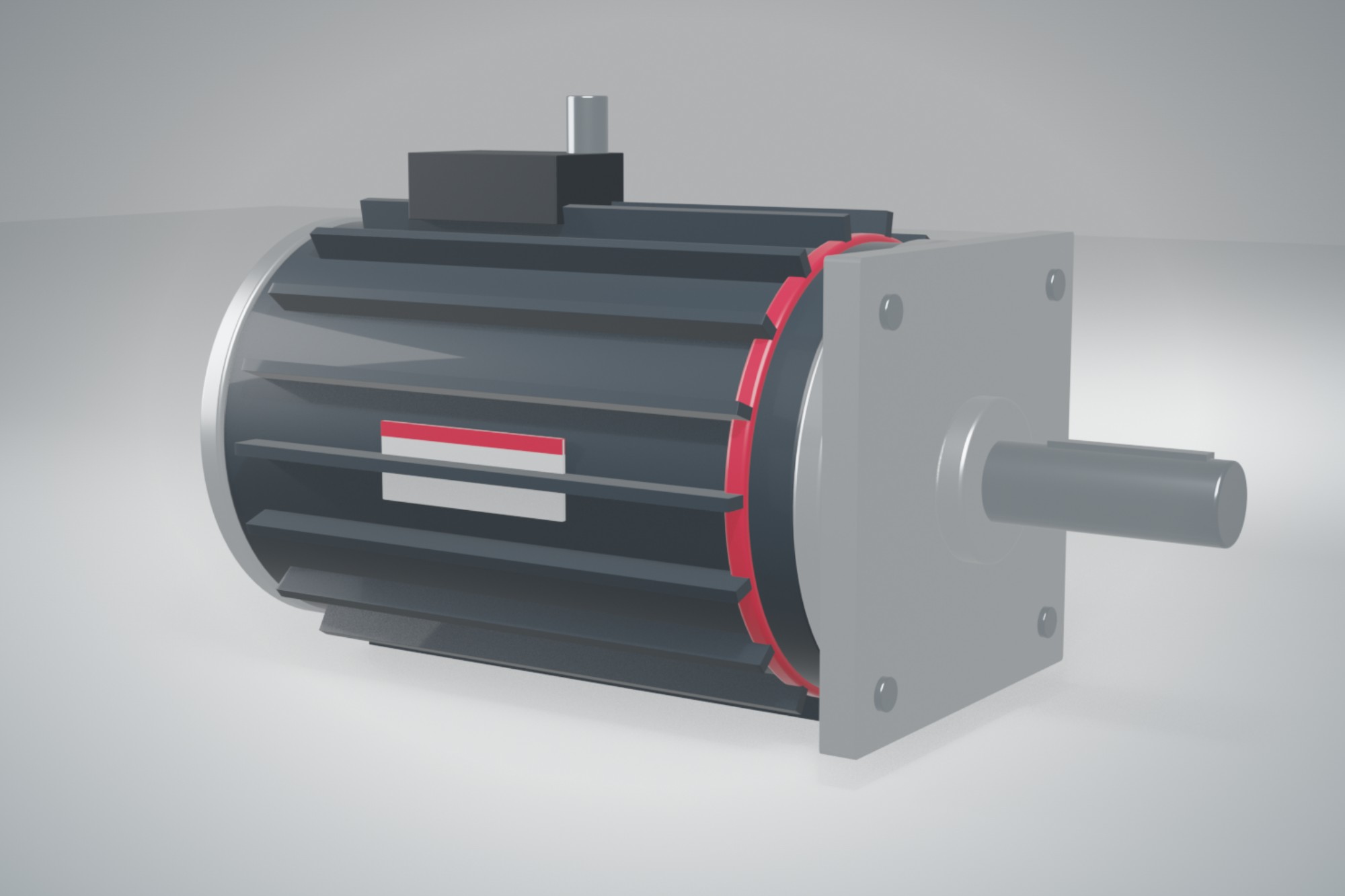
Film our motors where they do their work. A ServoPrime® motor sitting on a bench tells a viewer very little; the same motor driving a pick-and-place axis, a RoboTorq® joint moving a six-axis arm or an eMotion® drive unit running on a dynamometer shows what the product is for. Before any shoot, agree the shot list with the product manager for the family and with the plant or customer who owns the line. Shoot in 4K at 25 or 30 fps to match the regional standard, hold a locked-off wide shot of every system and capture close detail of the nameplate band and brand ring.
Clean the machine and the cell before you roll. Remove coffee cups, loose cables, handwritten labels and anything carrying another manufacturer's logo. Guards stay closed and interlocks stay on: we never film a machine running with a guard open, even for a better angle. Everyone in frame wears the PPE the area requires.
Record clean machine sound on a separate audio track so the editor can mix it under music or drop it entirely.
Use only the licensed music tracks and logo stings on this page. They are cleared worldwide for web, social, trade show and internal use.
Every video ends with the three-second logo sting, horizontal lockup on Stator Navy or white. Lower thirds set names in Barlow SemiBold and job titles in Barlow Condensed SemiBold caps. Send rough cuts to brand@rpgmotor-works.com before release.
Customer testimonials
A customer describing our motors in their own words carries more weight than anything we say about ourselves. Testimonials are filmed only with the customer's written approval, and their communications team signs off on the final cut. Interview the people who live with the equipment: a maintenance lead, a line engineer, a plant manager. Ask open questions about the problem they had, why they chose RPGMotor Works and what changed after installation, then let them answer in full sentences.
Don't script customers or feed them product claims. If a figure matters, confirm it with them afterward.
Film the interview seated, in a quiet room close to the equipment, with the line soft in the background. Use two cameras, one medium shot and one tighter angle, and a lavalier microphone. Then shoot B-roll of the installation so the editor can cut away from the speaker. Keep finished testimonials between 60 and 120 seconds and cut a 30-second version for social media.
Many customers in aerospace, defense and medical can't appear on camera or be named. Ask early. If the answer is no, we can often still film our product in a neutral setting.
Employee statements
Our employees are our most believable spokespeople, whether it's a winding technician in Greenville, a test engineer in Munich or a DriveSense® developer in Bengaluru. Statements are used for recruiting, internal communication, trade show loops and social media. Choose people who want to take part, and never ask a manager to nominate someone who would rather not. Film in the person's own work area, with the right PPE and a clean, safe background, and let them speak in the language they are most comfortable in. We subtitle every statement in English and add German, Spanish or Hindi subtitles where the audience calls for it. Keep it short: two or three questions and no more than 90 seconds of finished video. Don't show unreleased products, prototype parts, customer names on crates or screens, or any drawing or software screen the product manager hasn't cleared. In Germany, check with the local works council before filming on the shop floor. Everyone on camera signs the release described below before footage is used, and if a person leaves the company and asks us to remove their statement, we take it down within 30 days.
Product and system photography
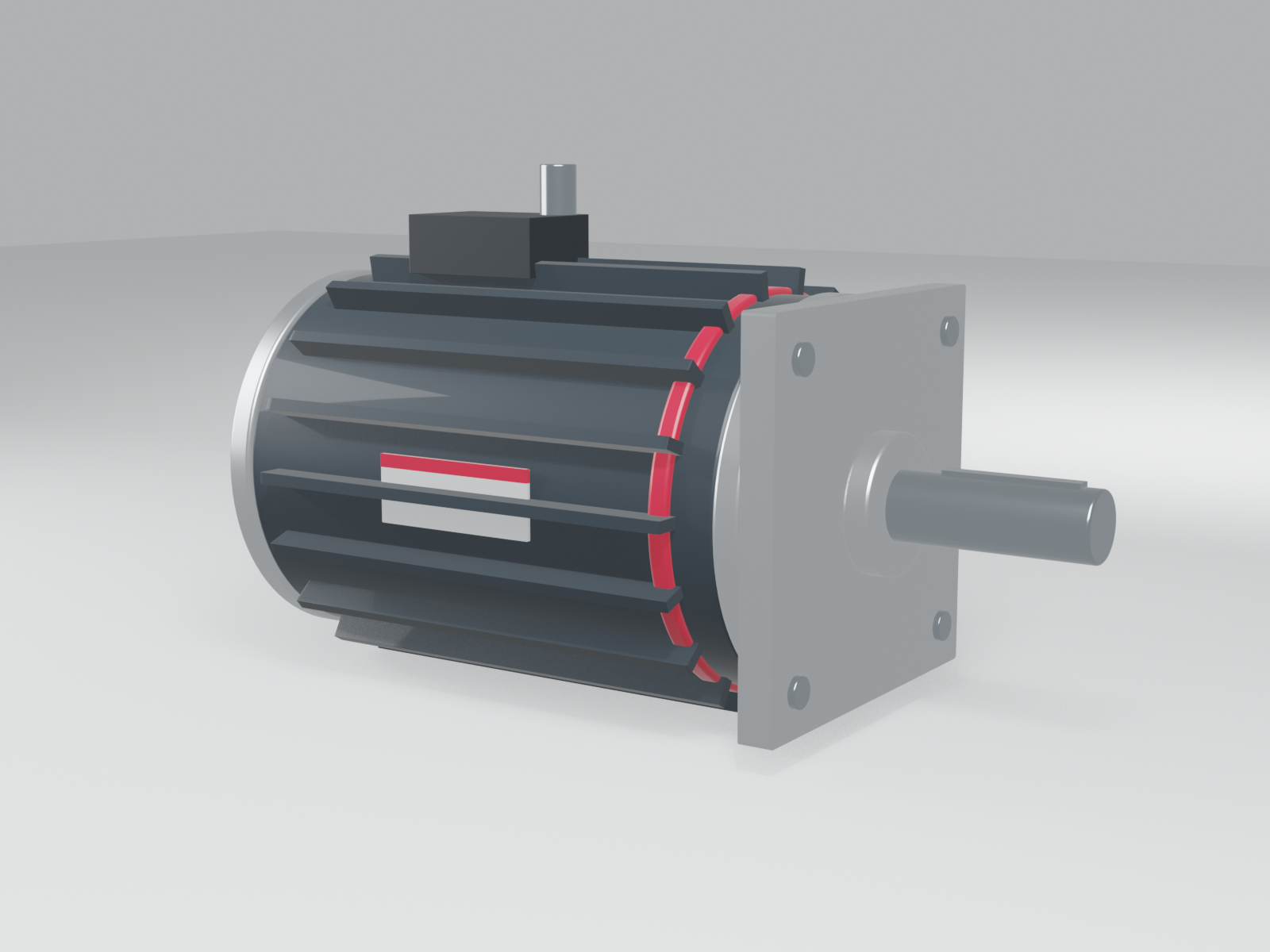
Product shots for catalogs, datasheets and the website are taken on white or a light Aluminium gradient, three-quarter view from the shaft end, with the nameplate legible. System shots show the motor installed and running. Request new shoots through Brand so we don't photograph the same product twice.
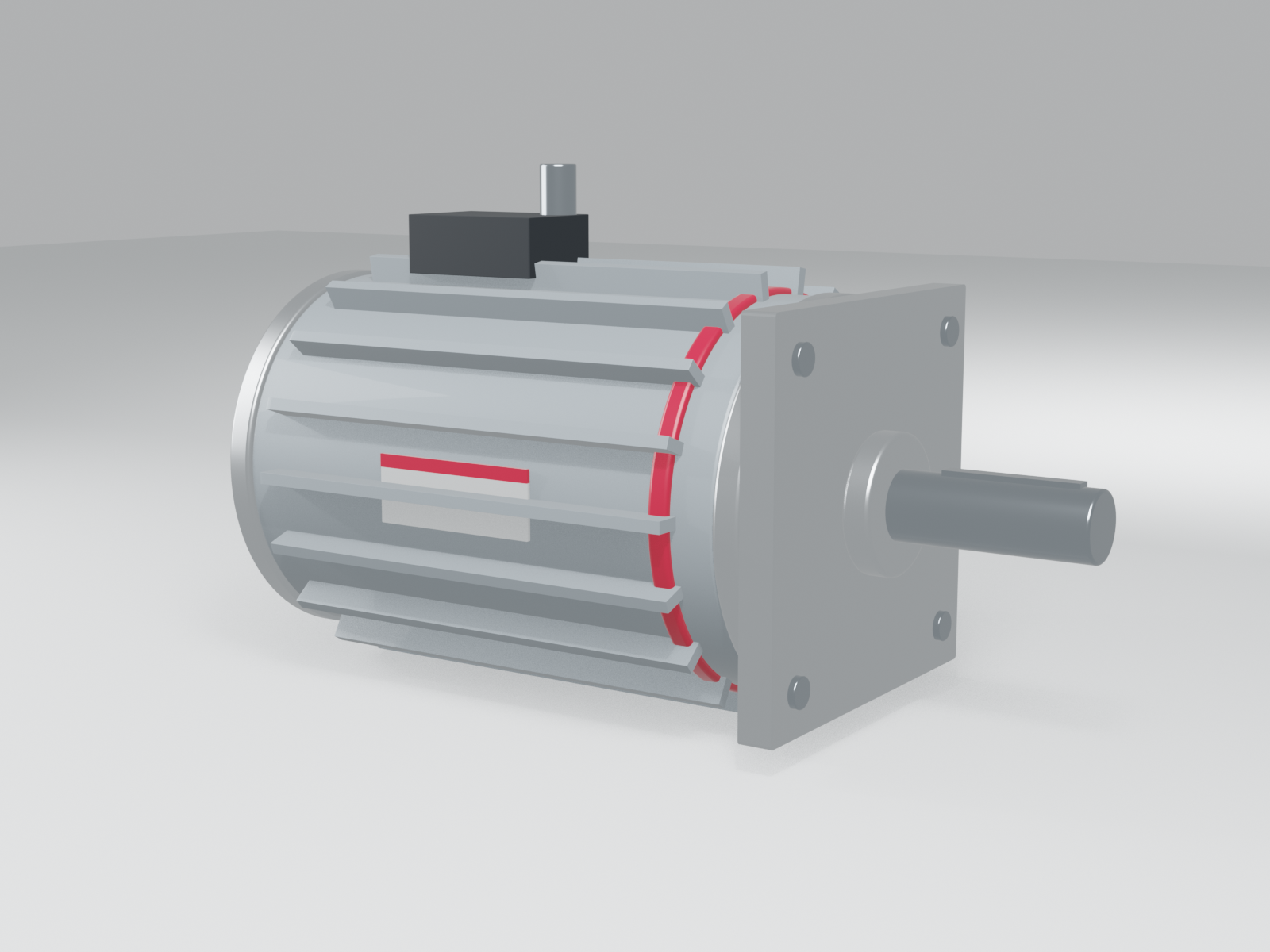
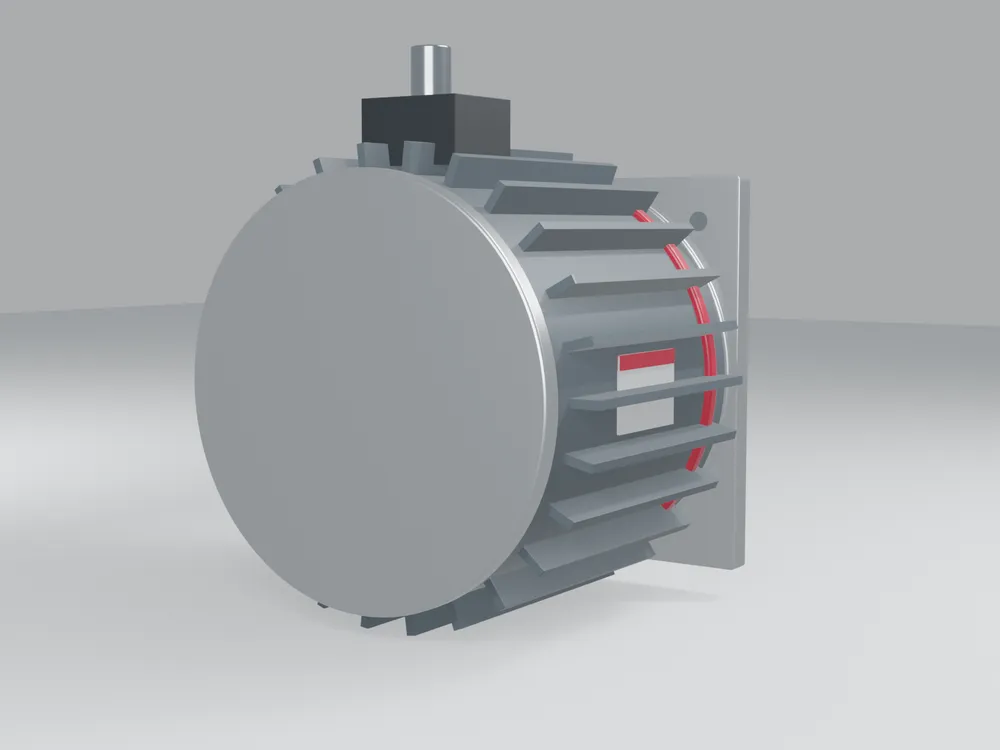
3D models of products
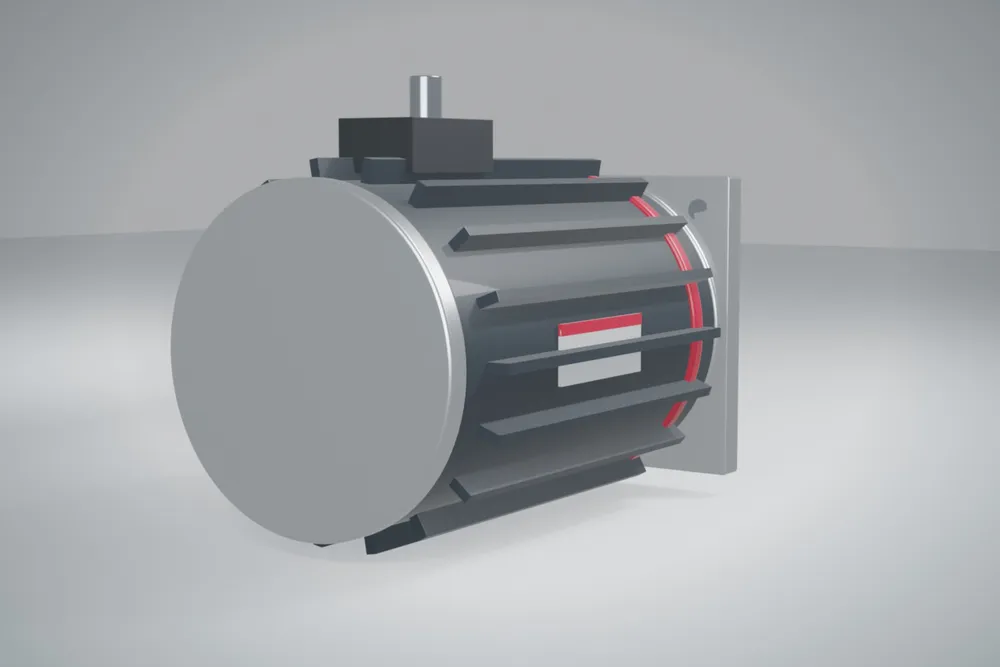
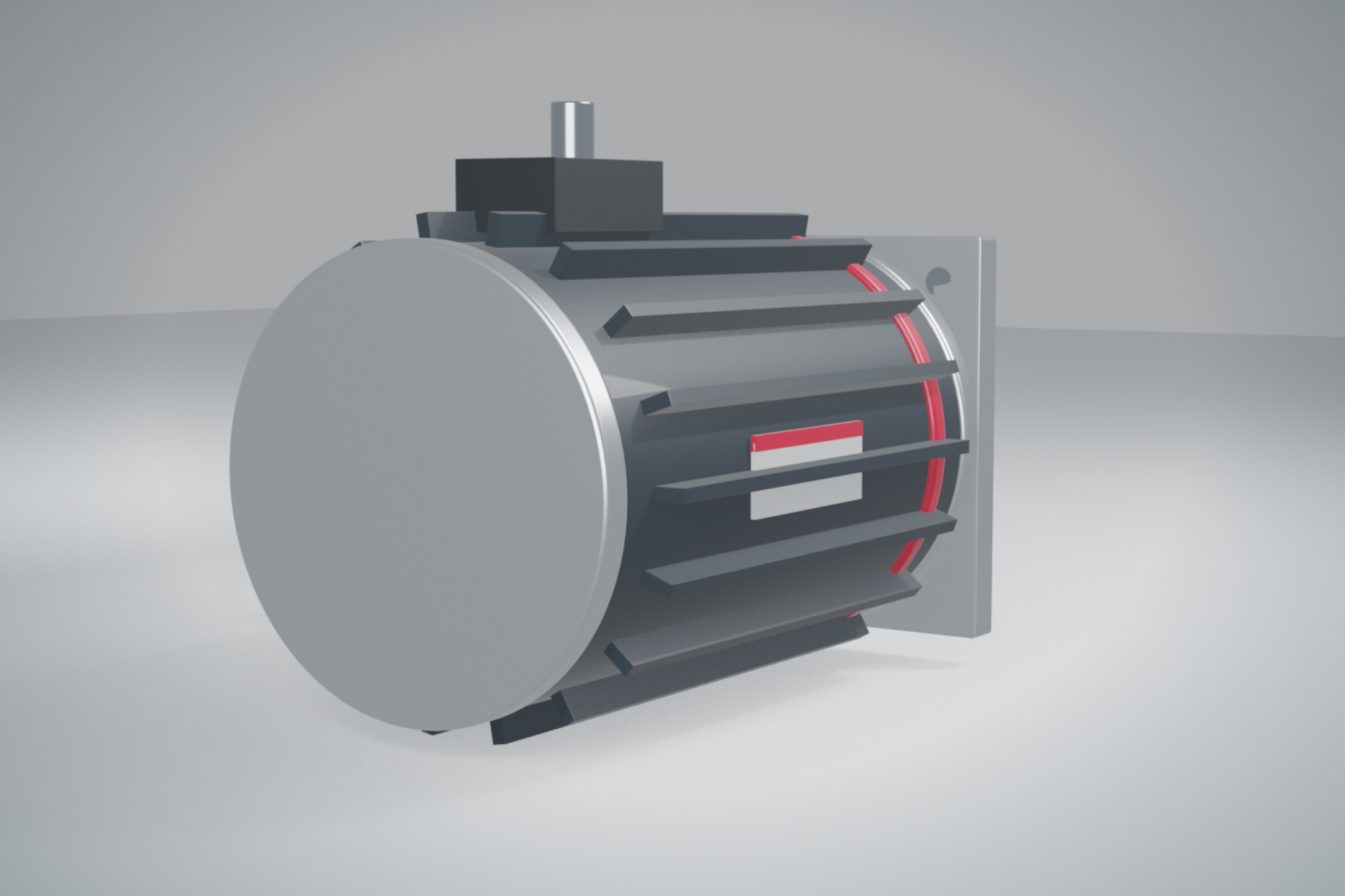
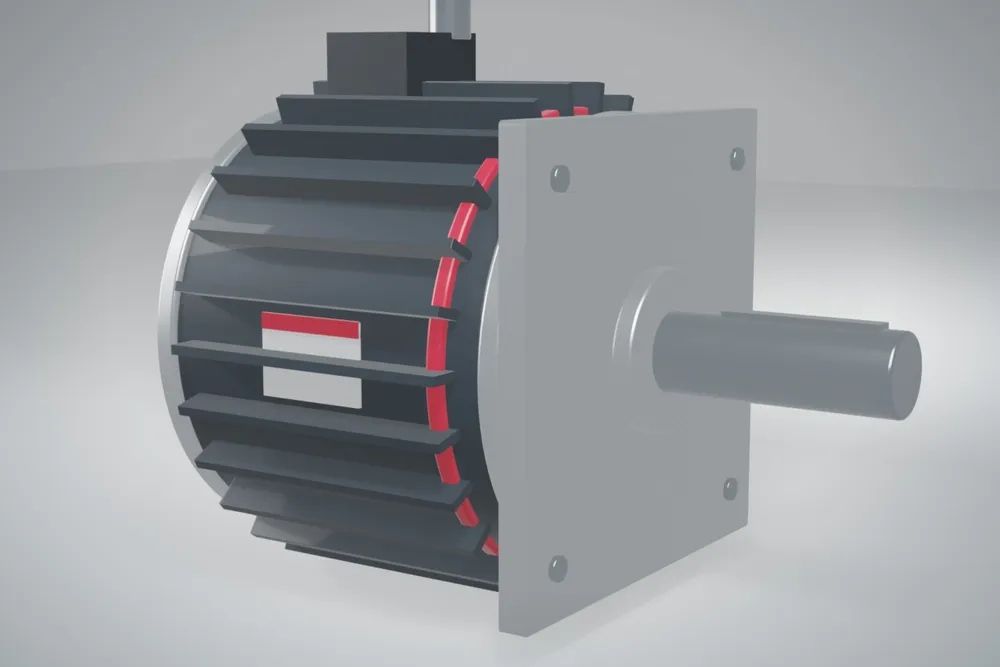
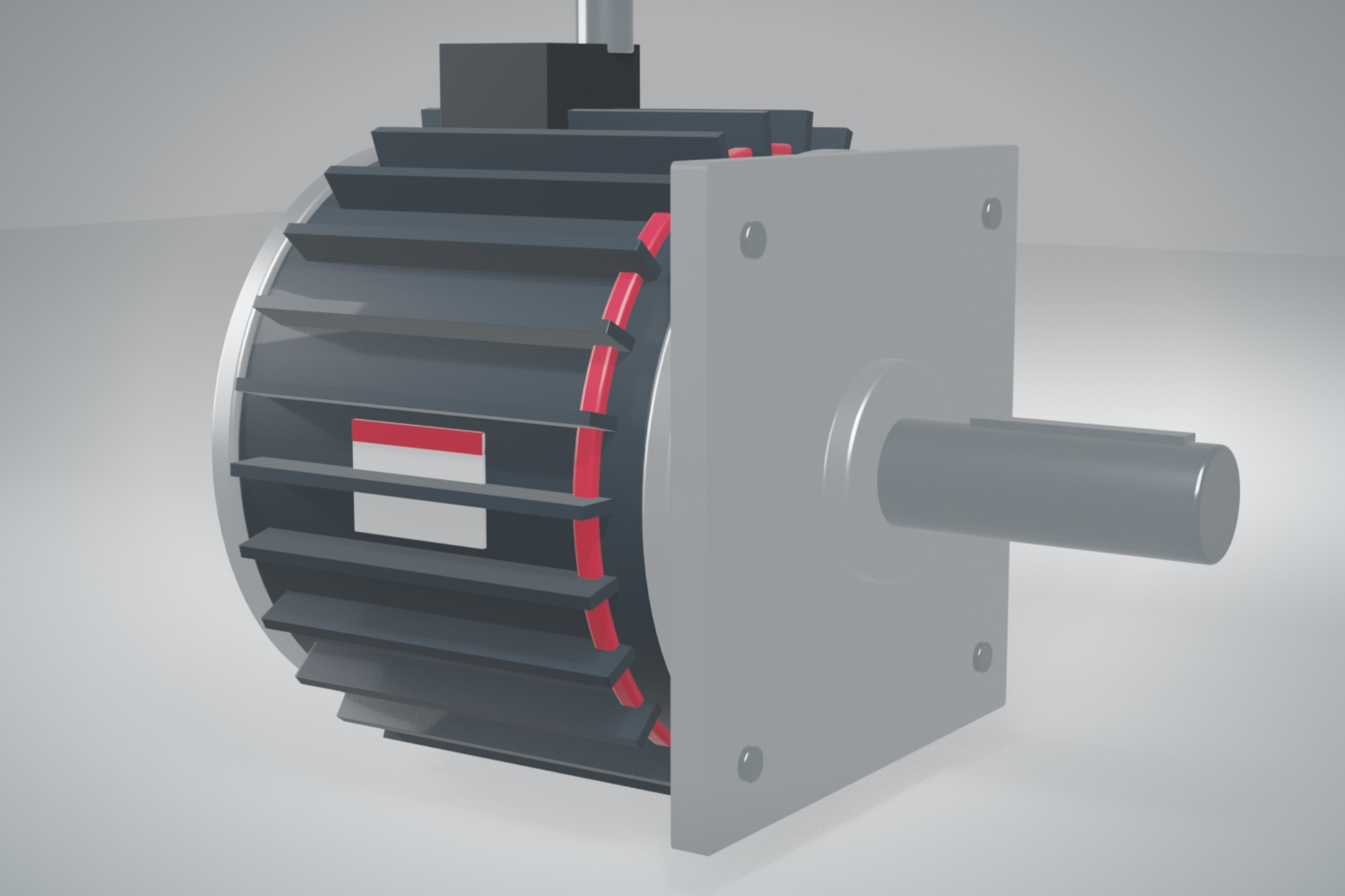
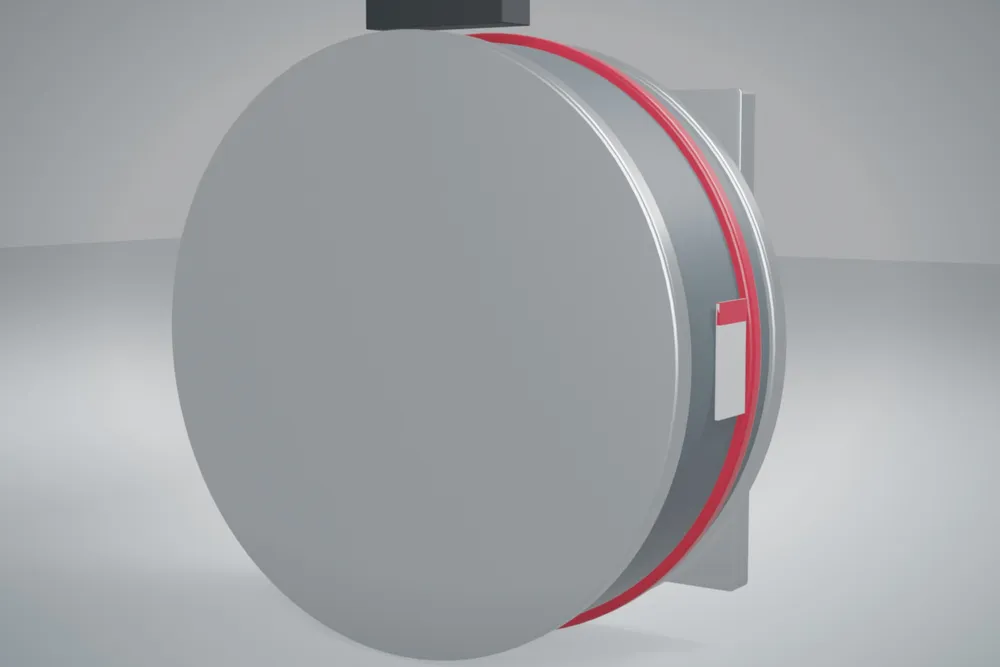
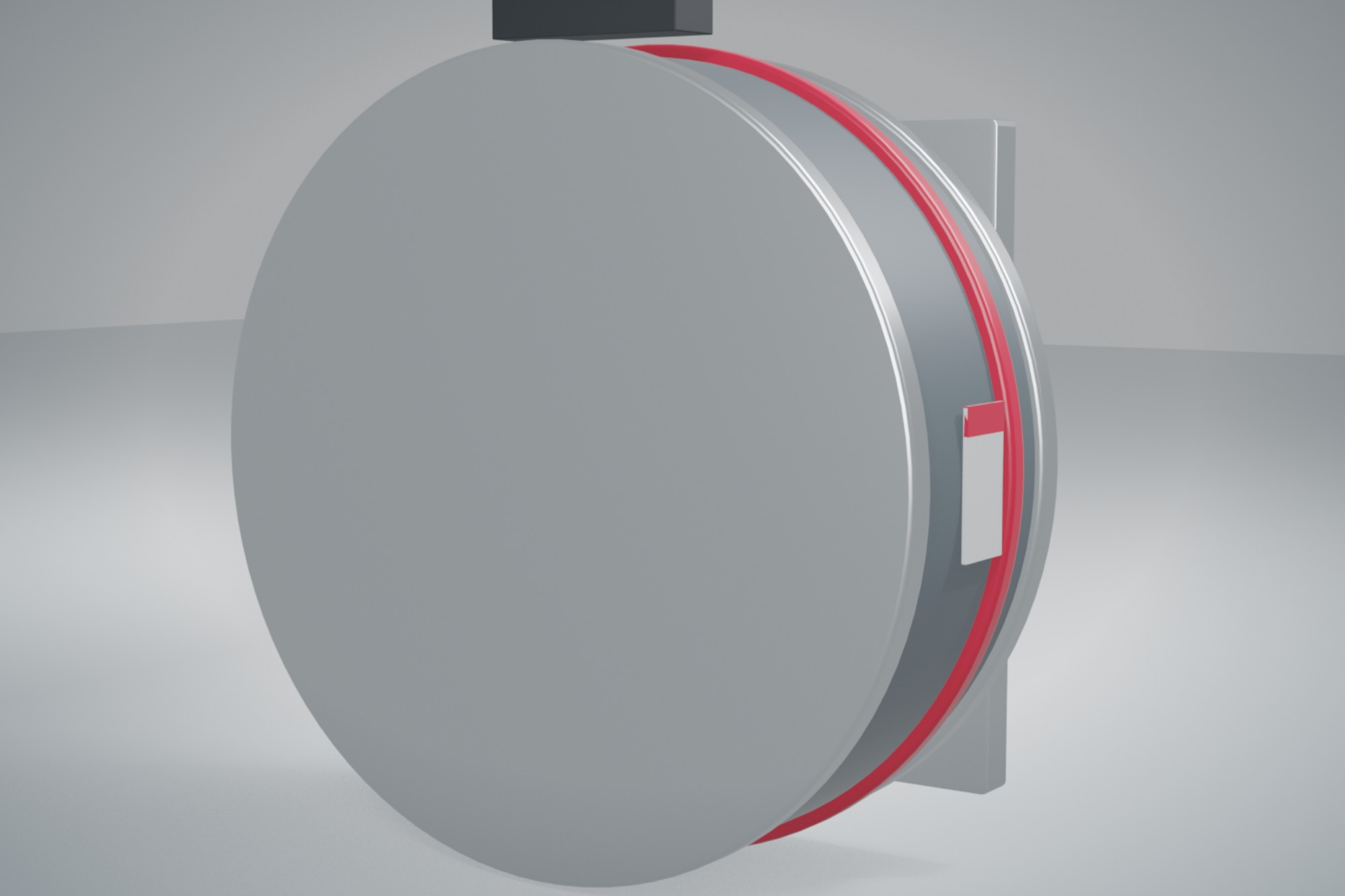
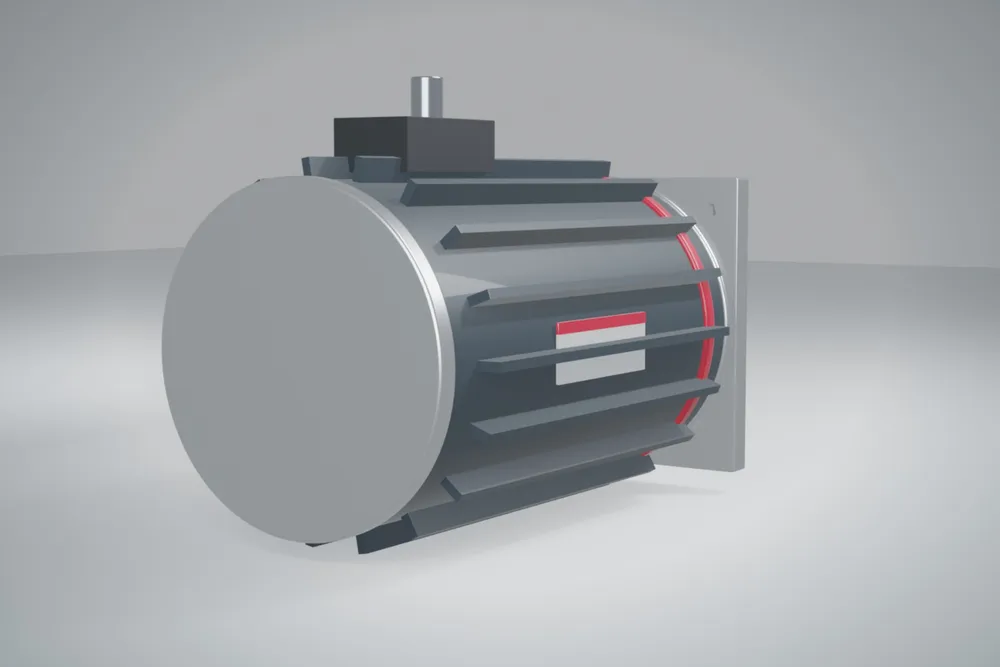
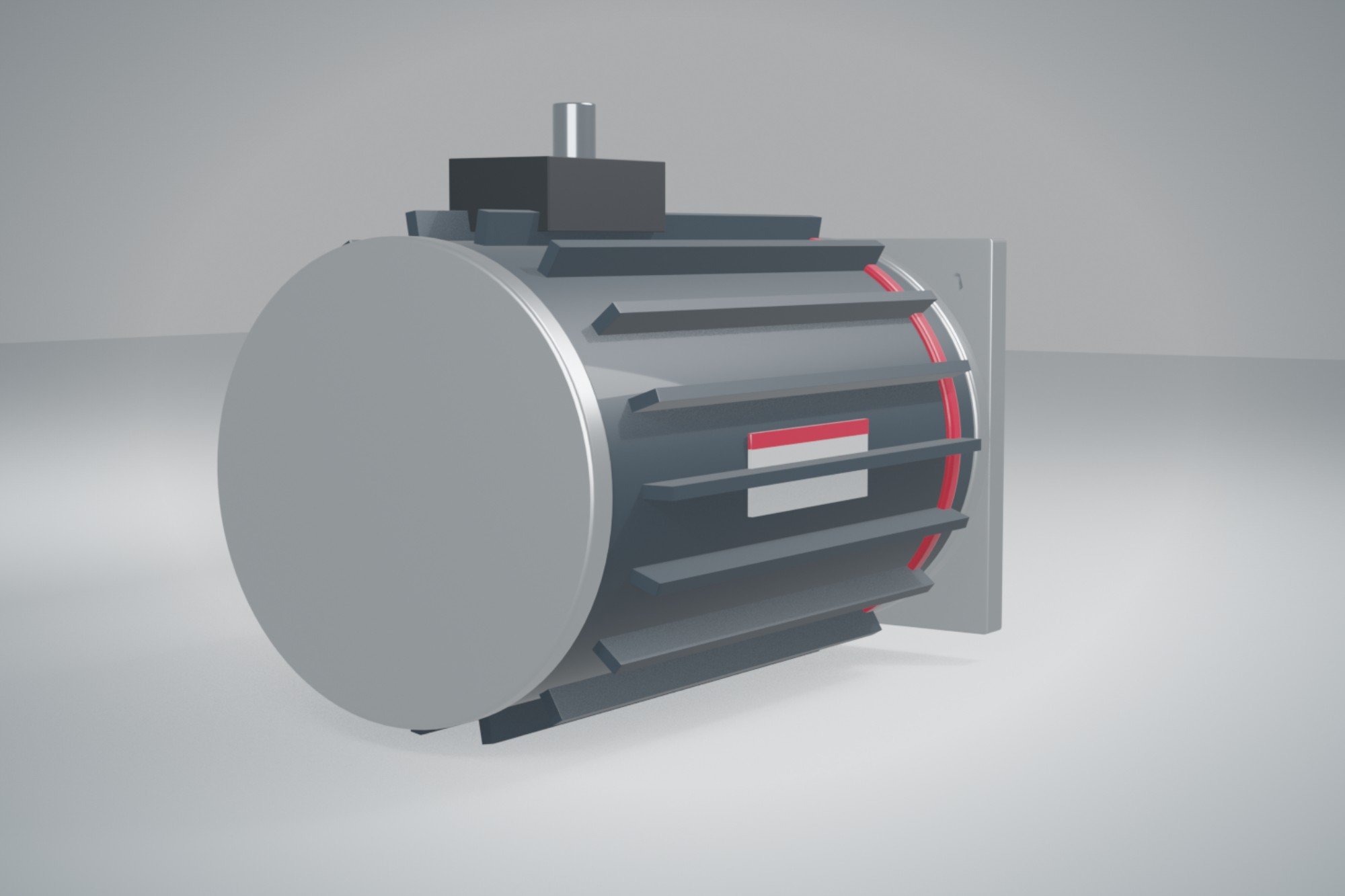
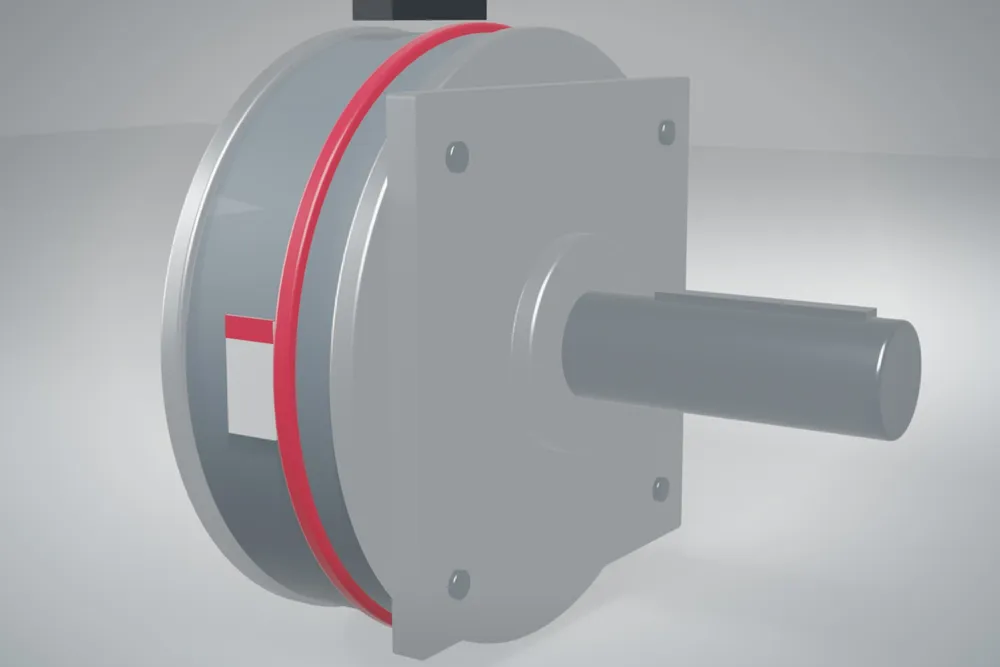
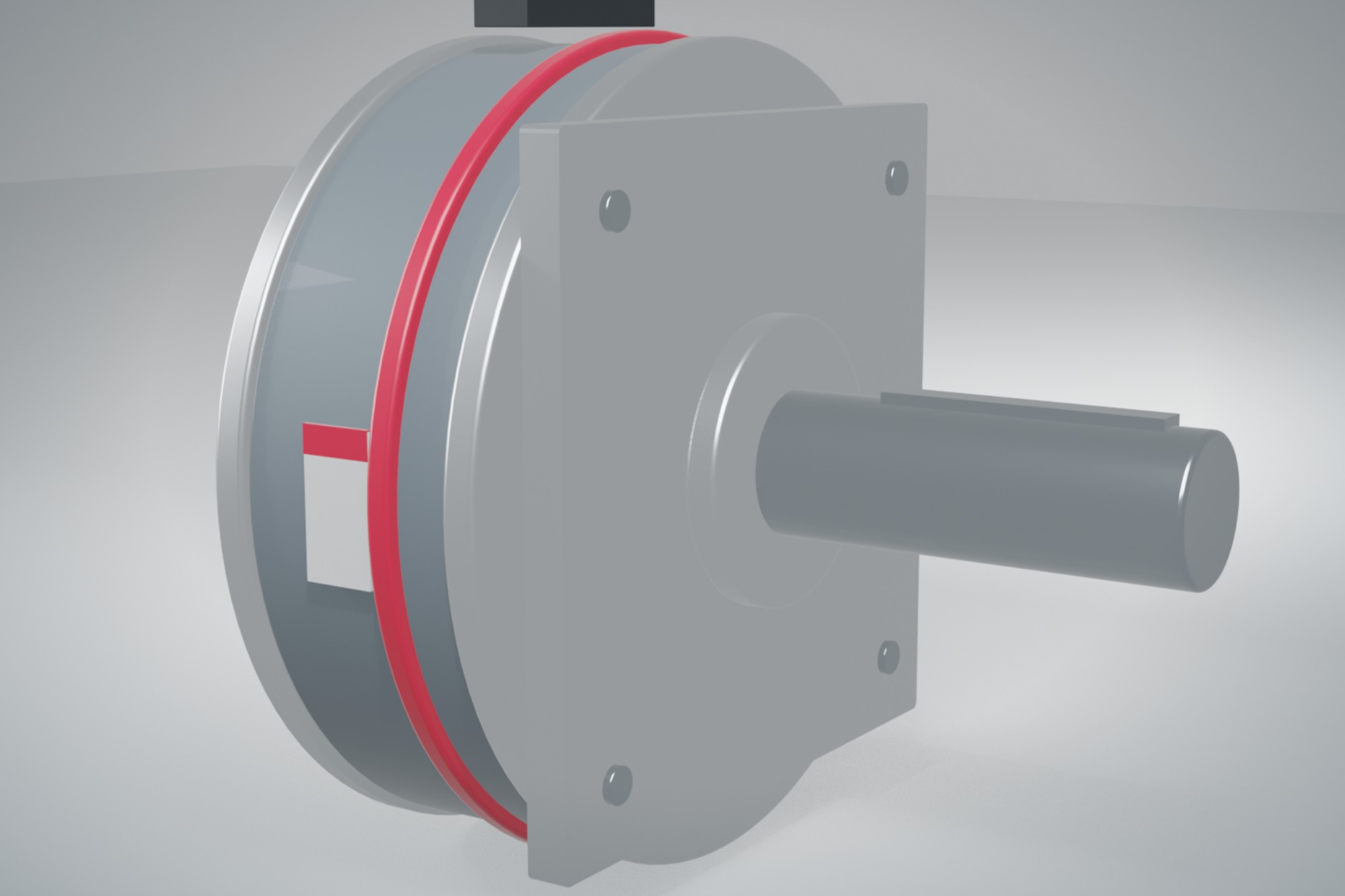
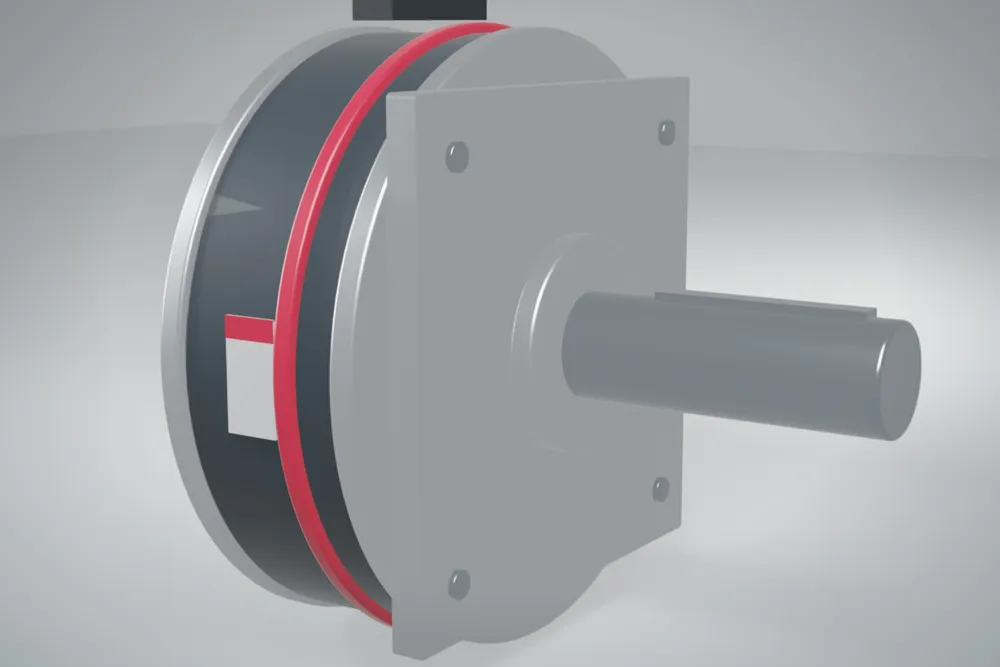
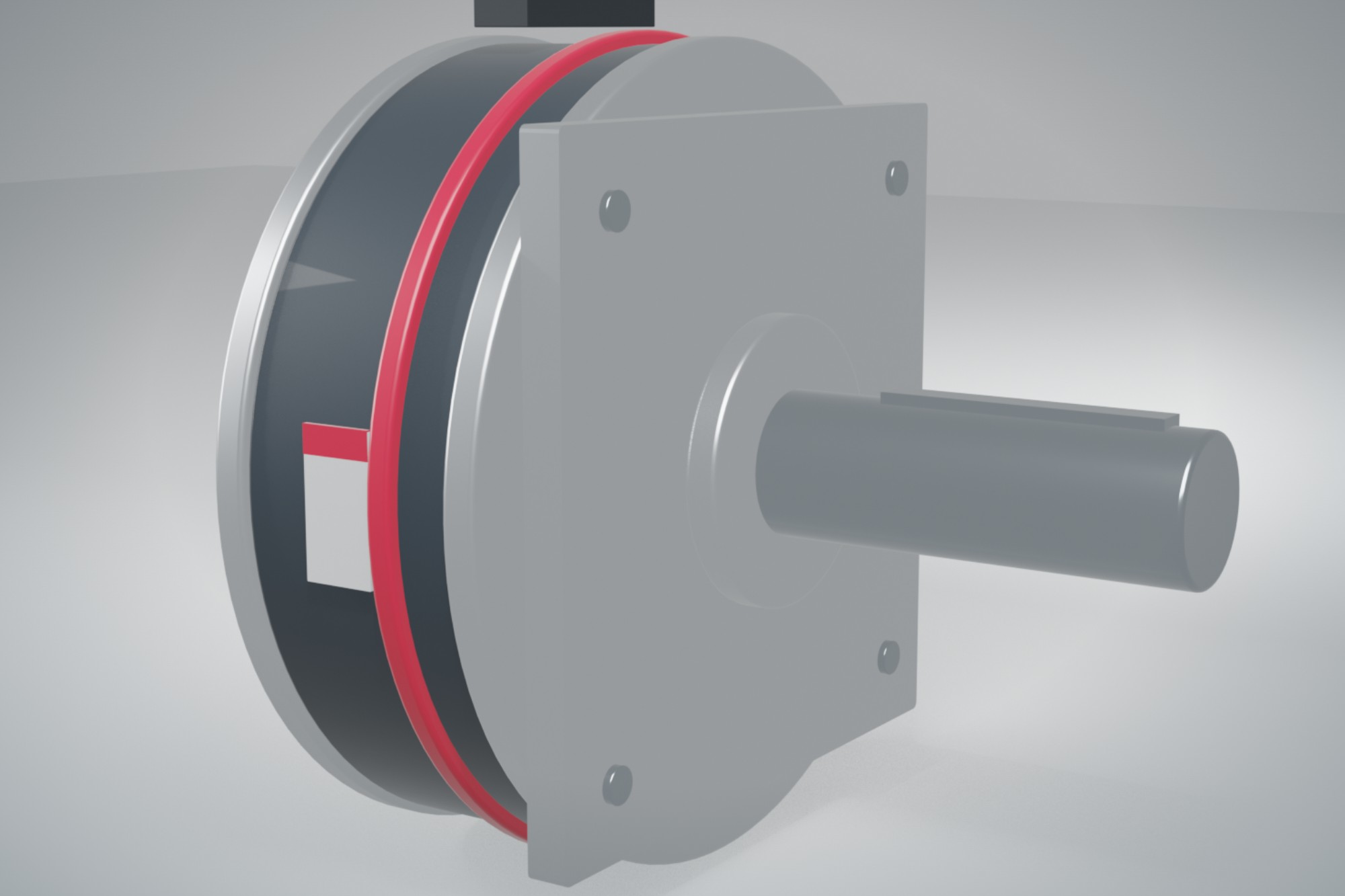
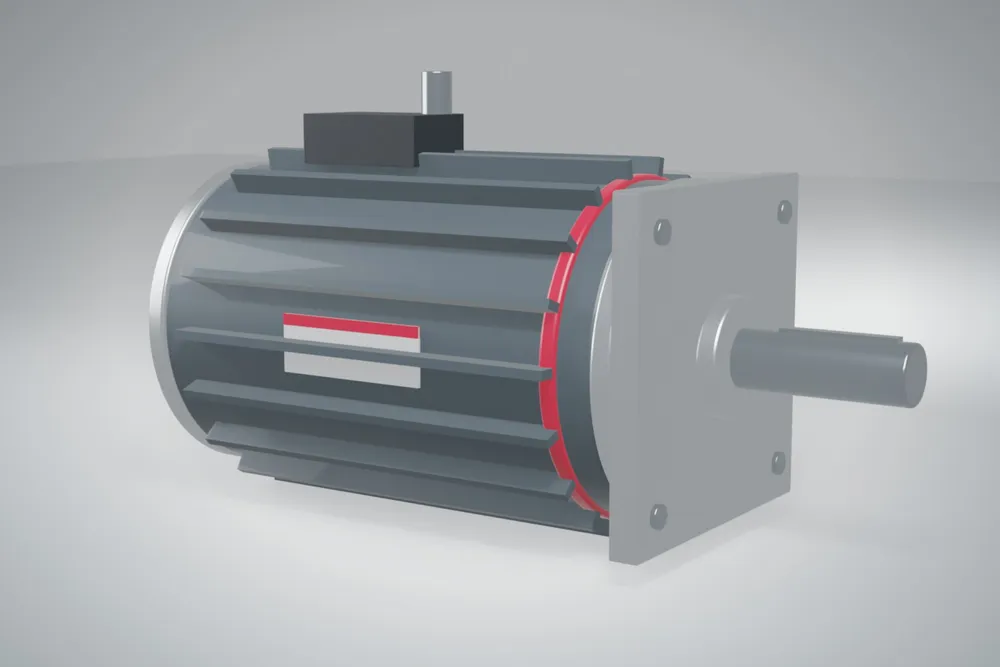
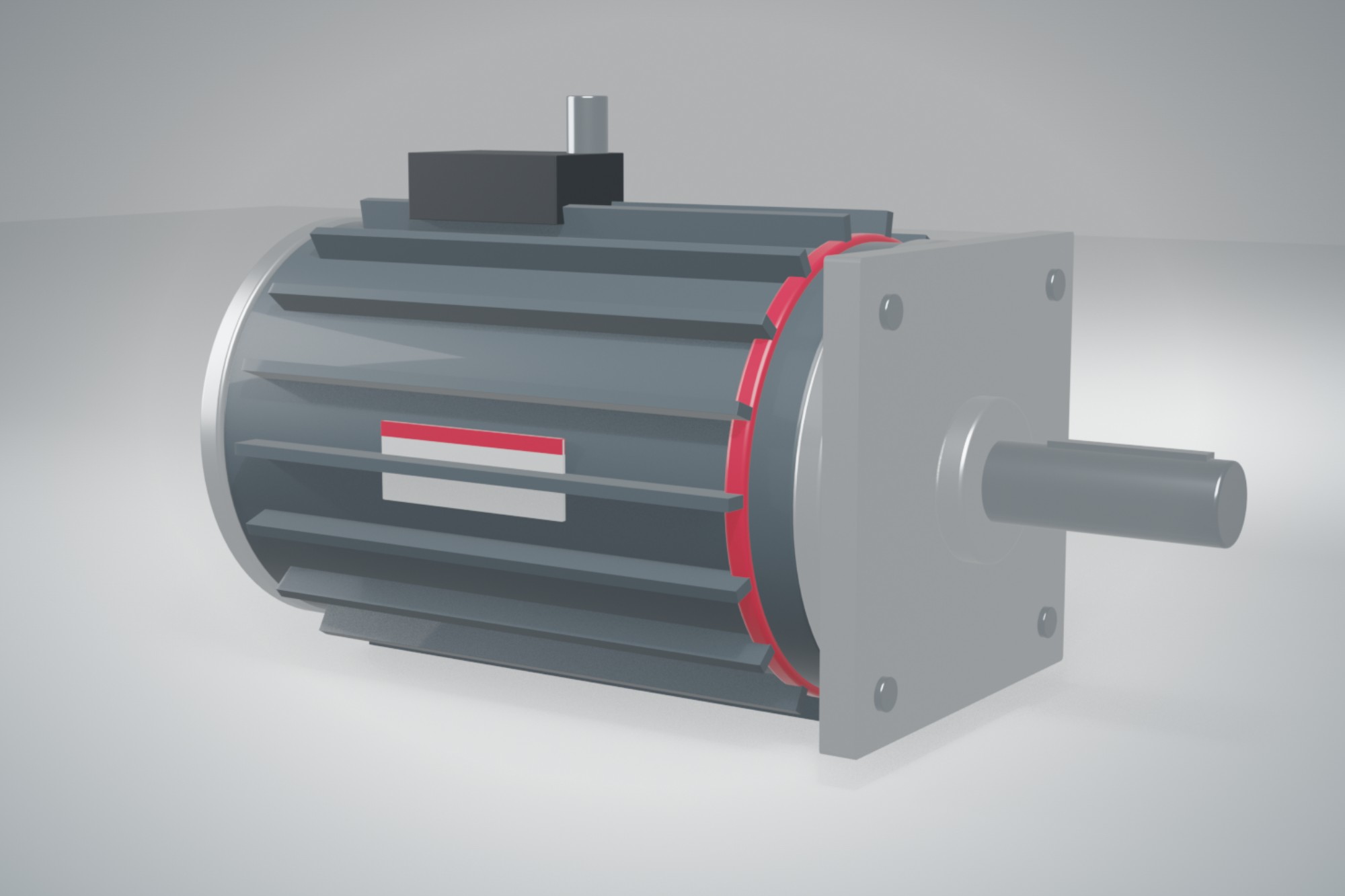
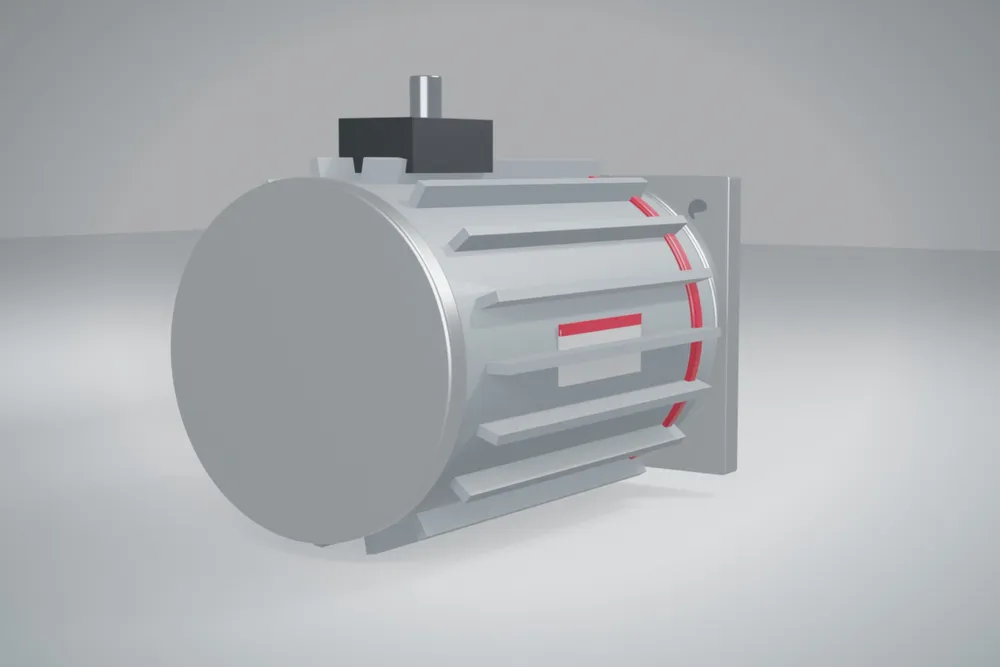
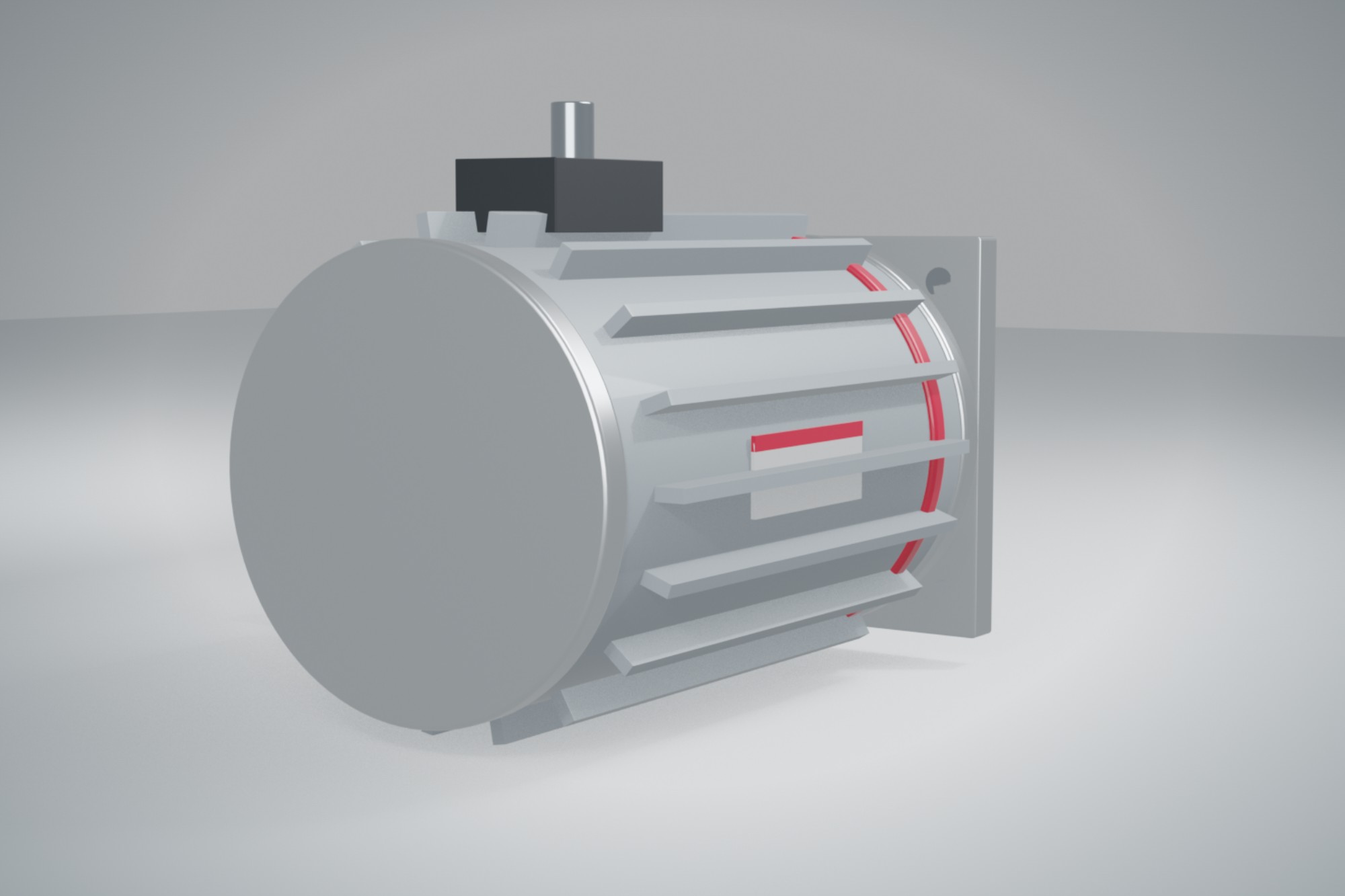
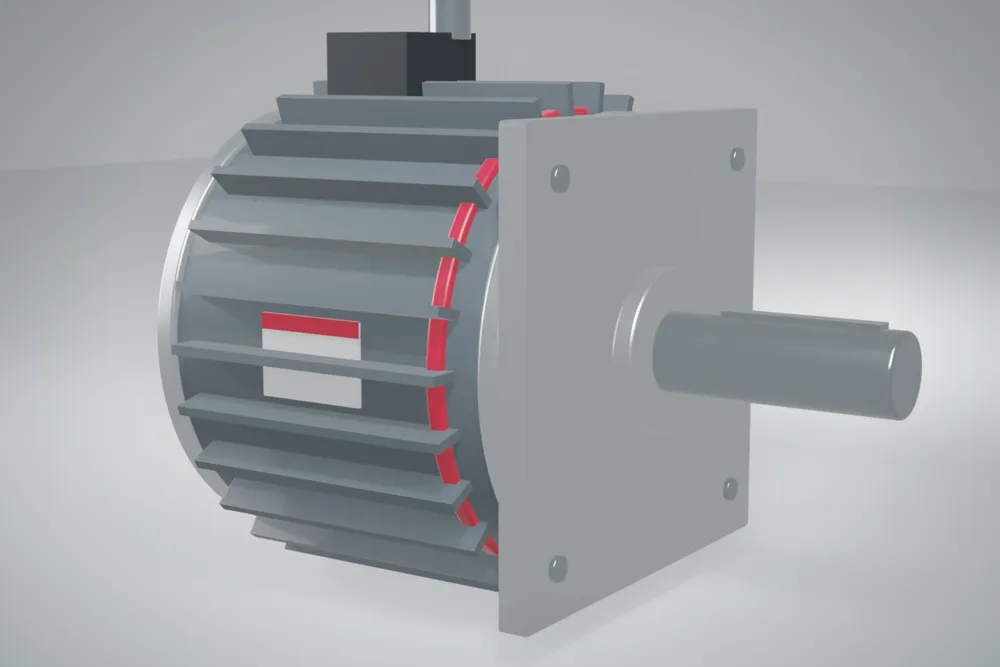
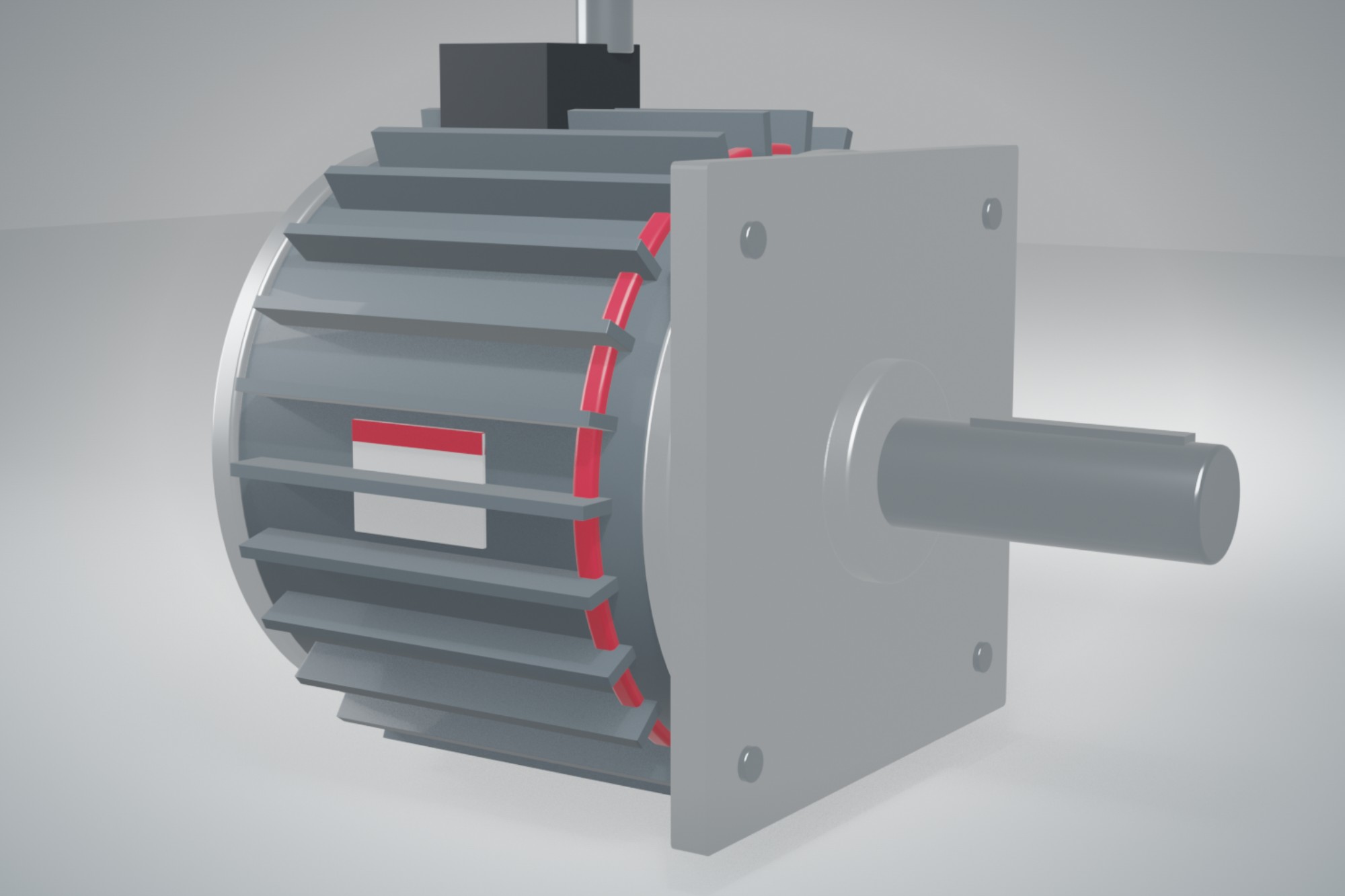
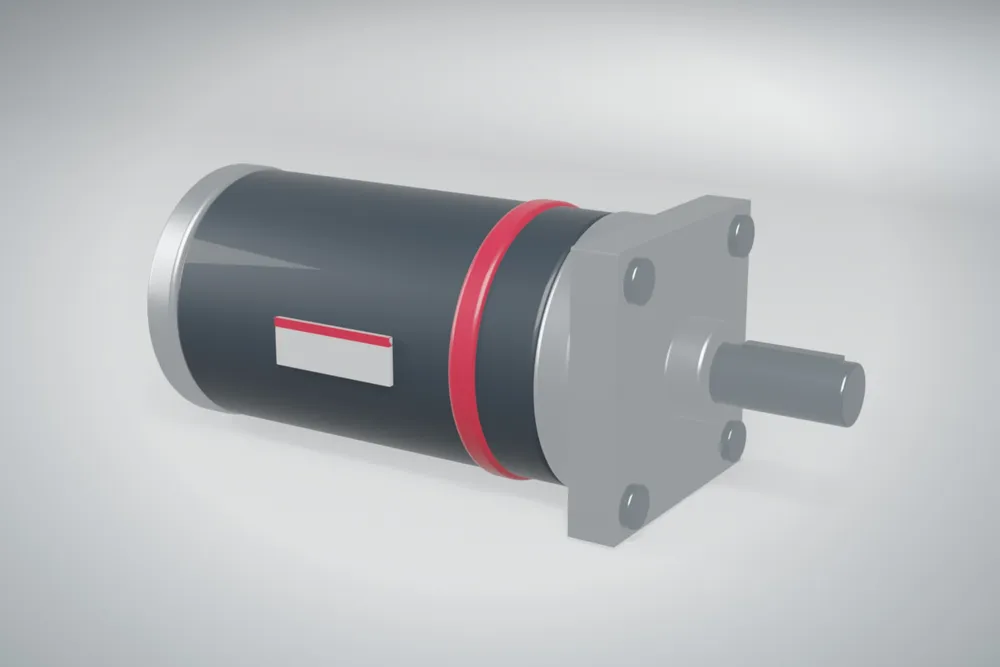
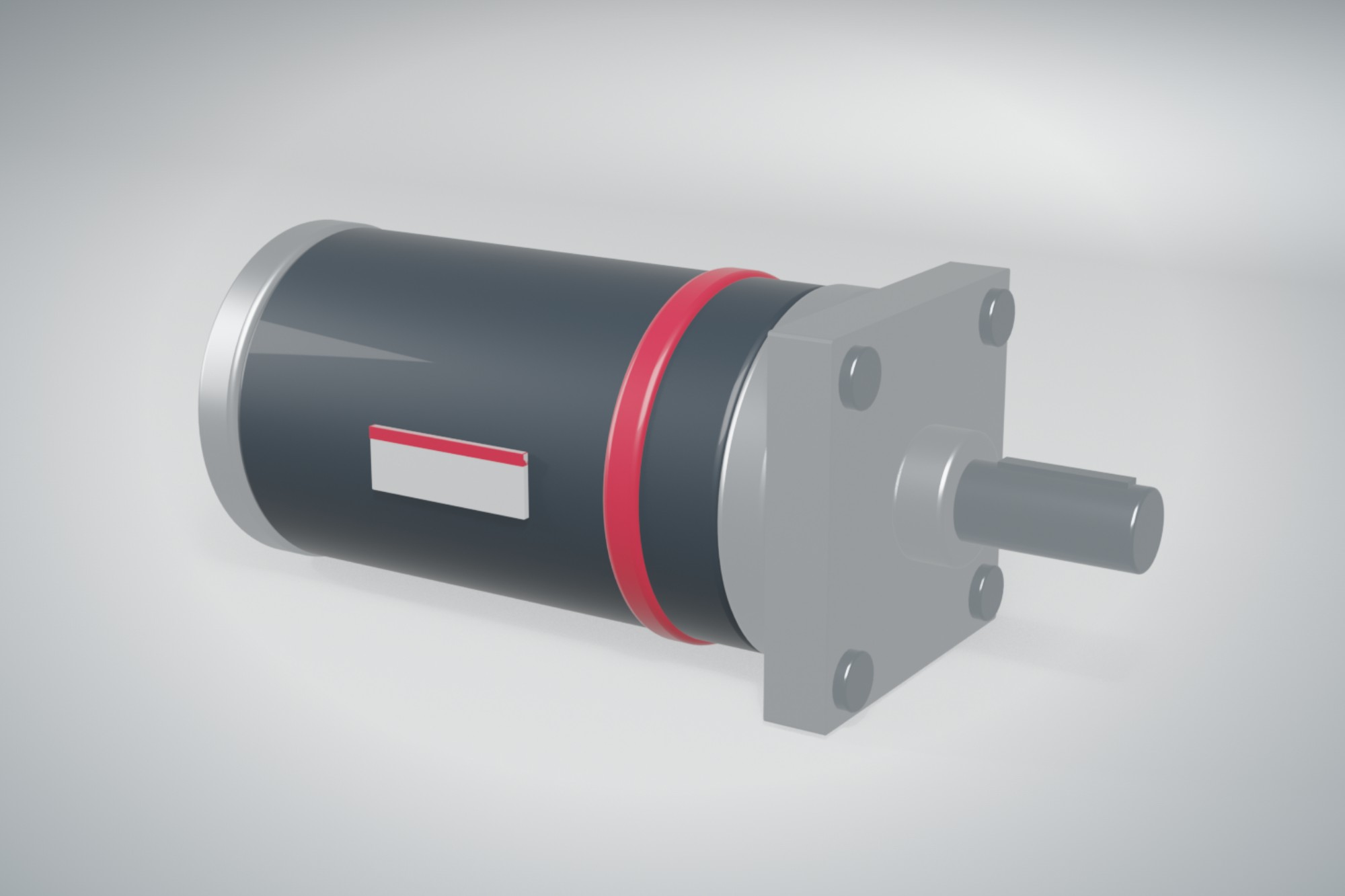
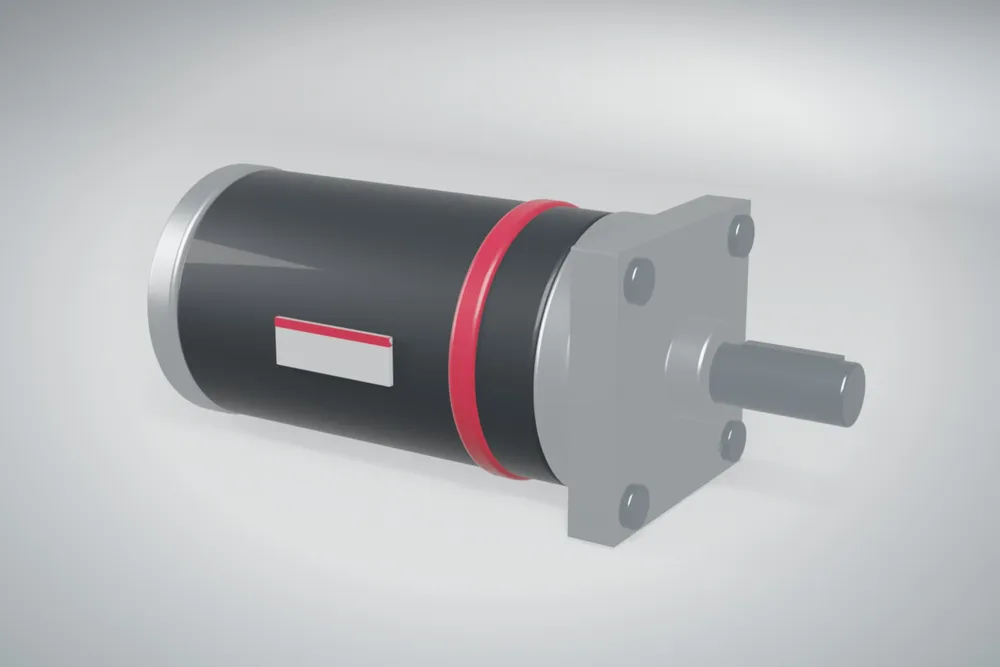
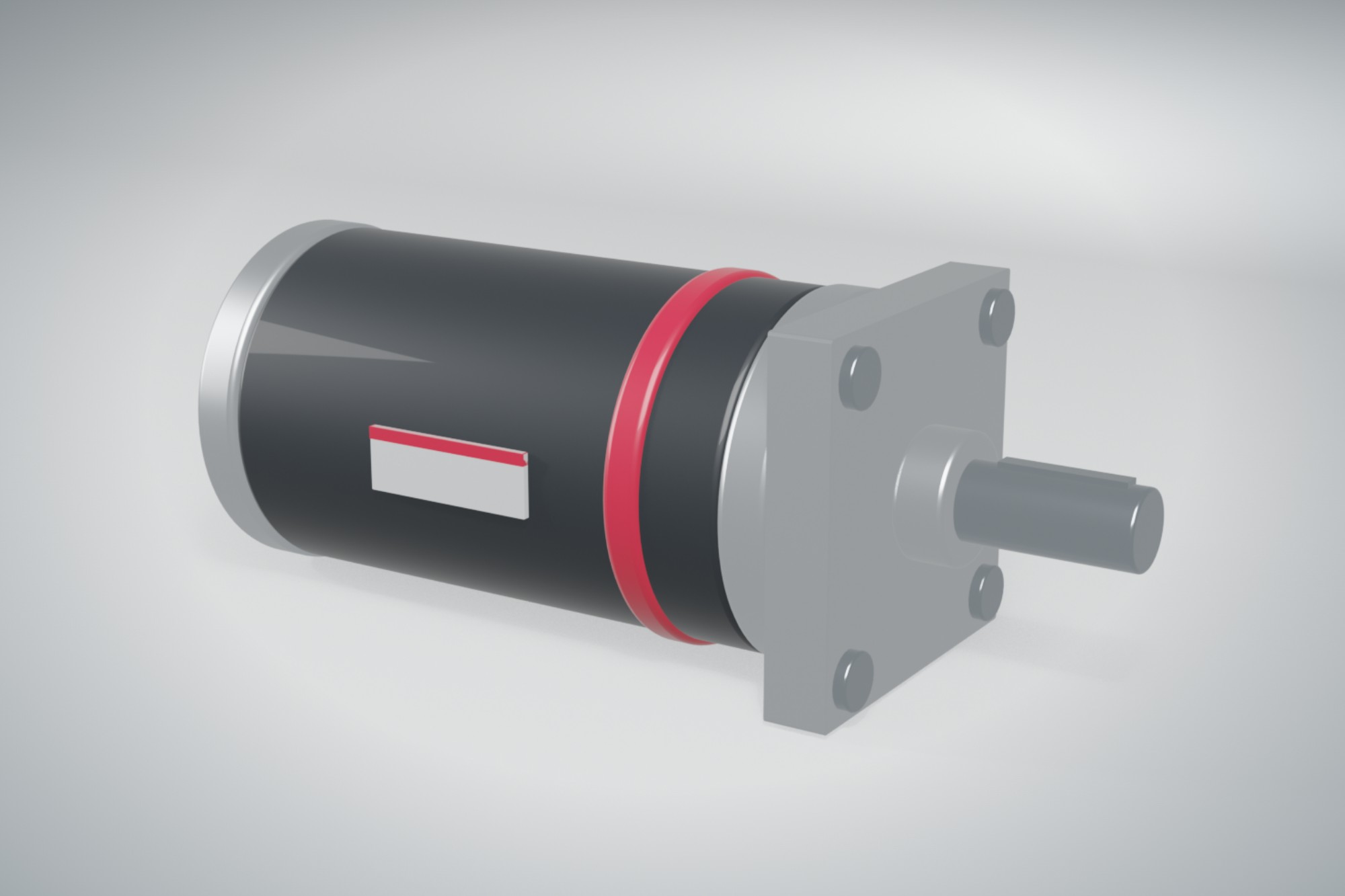
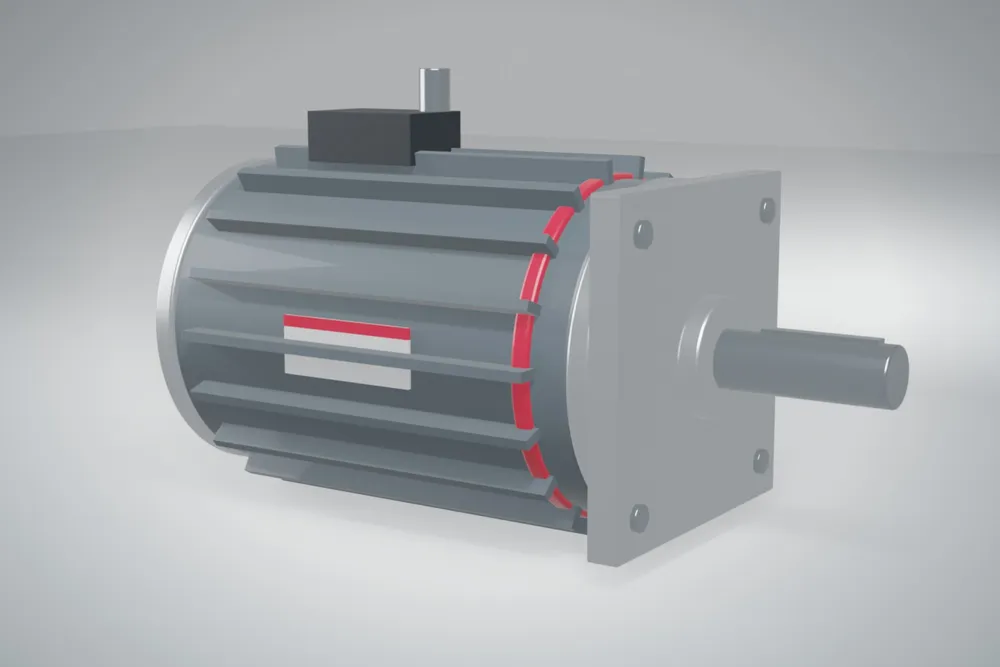
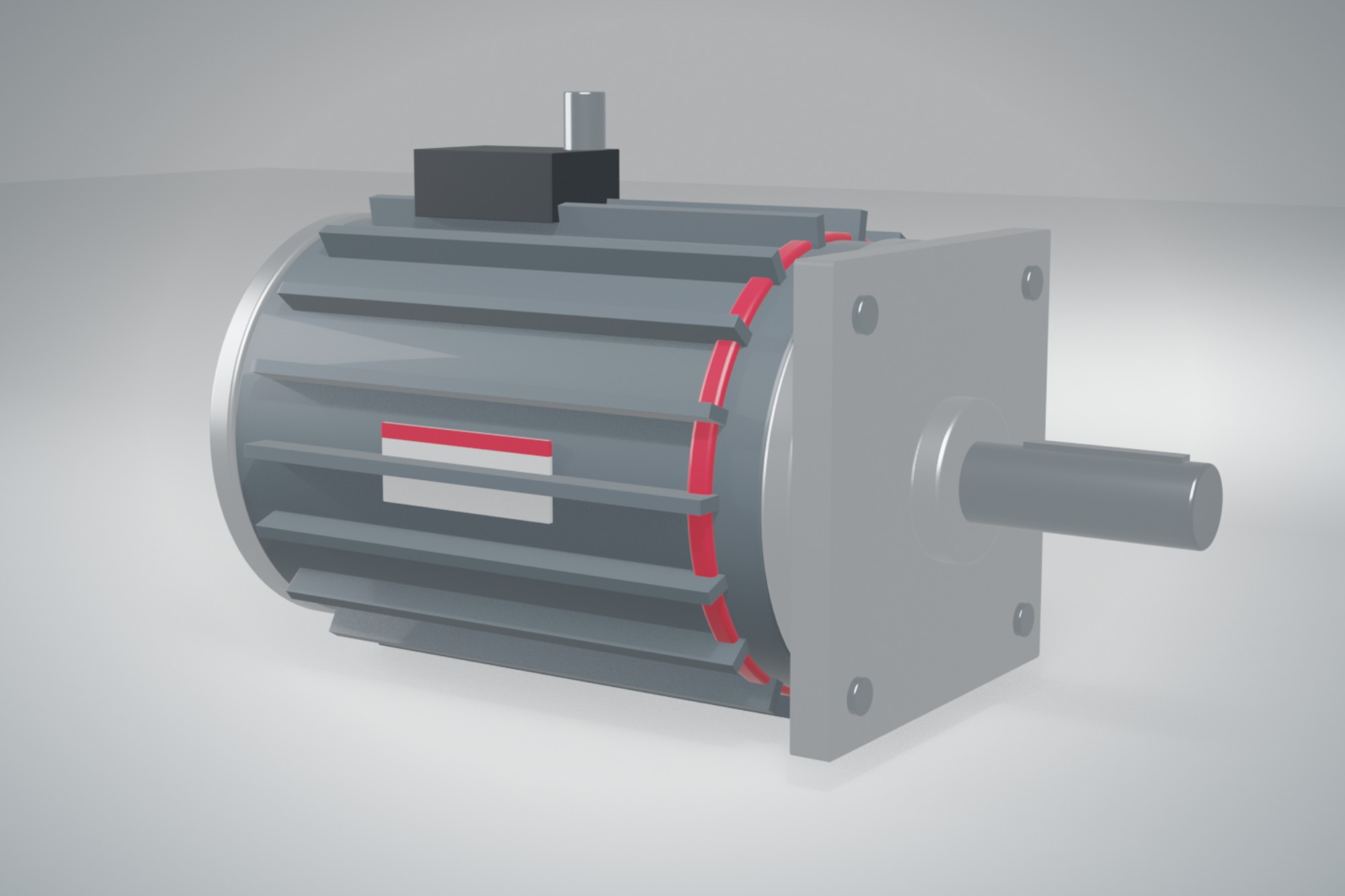
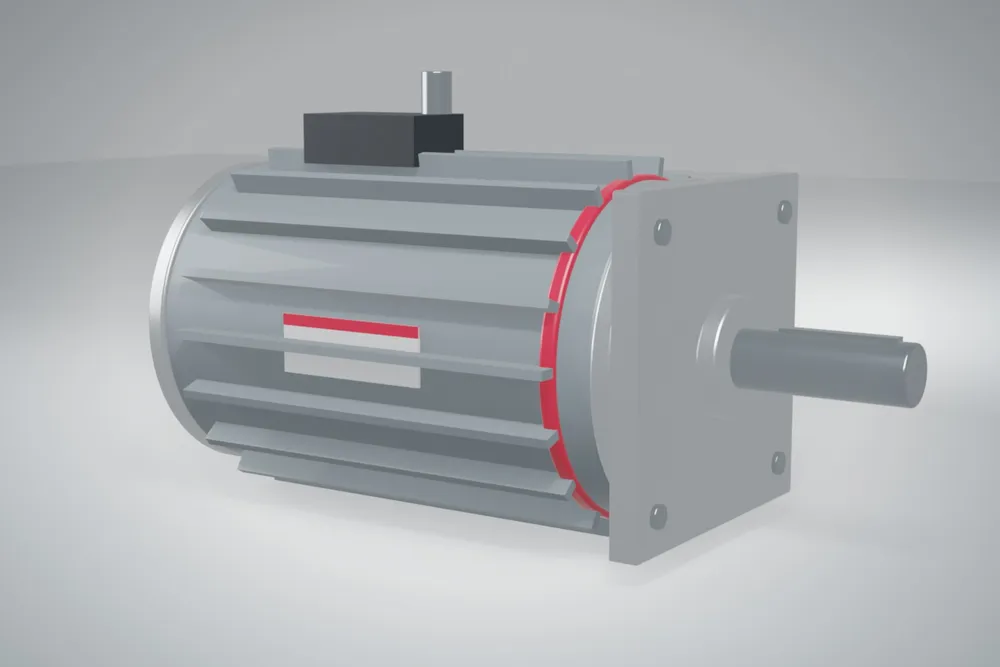
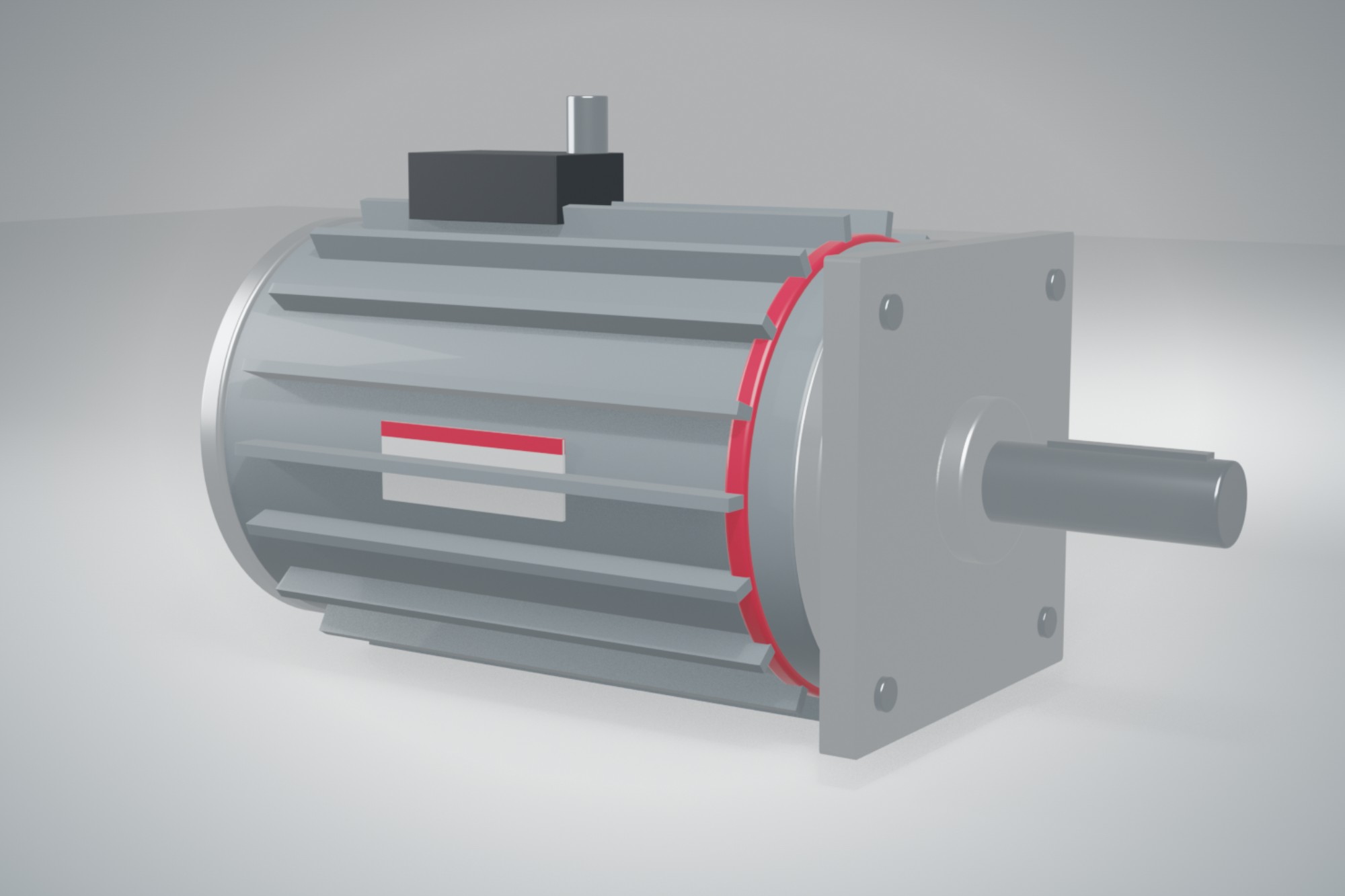
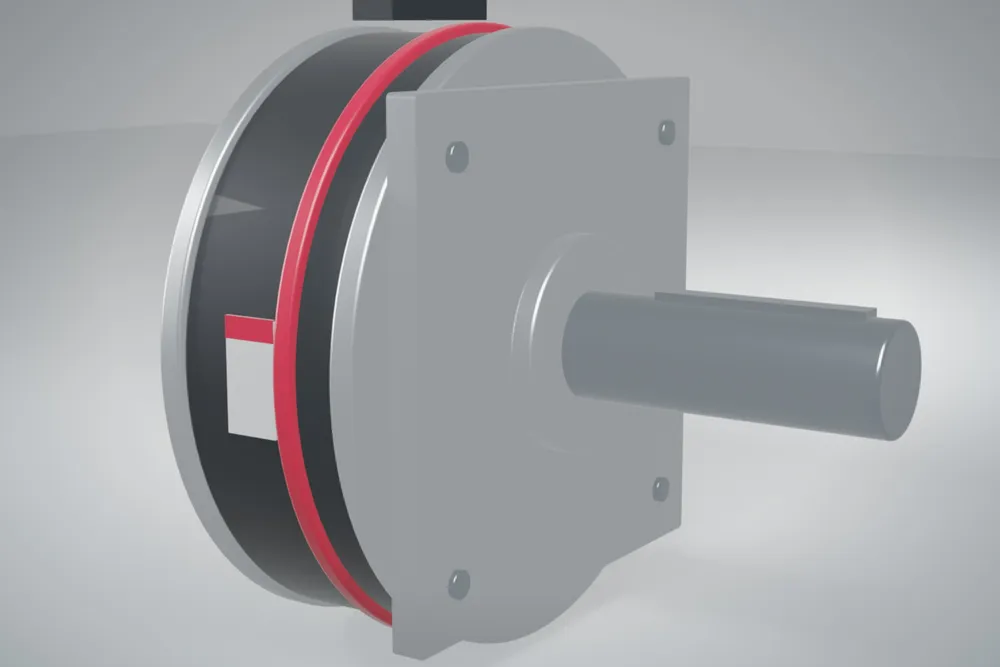
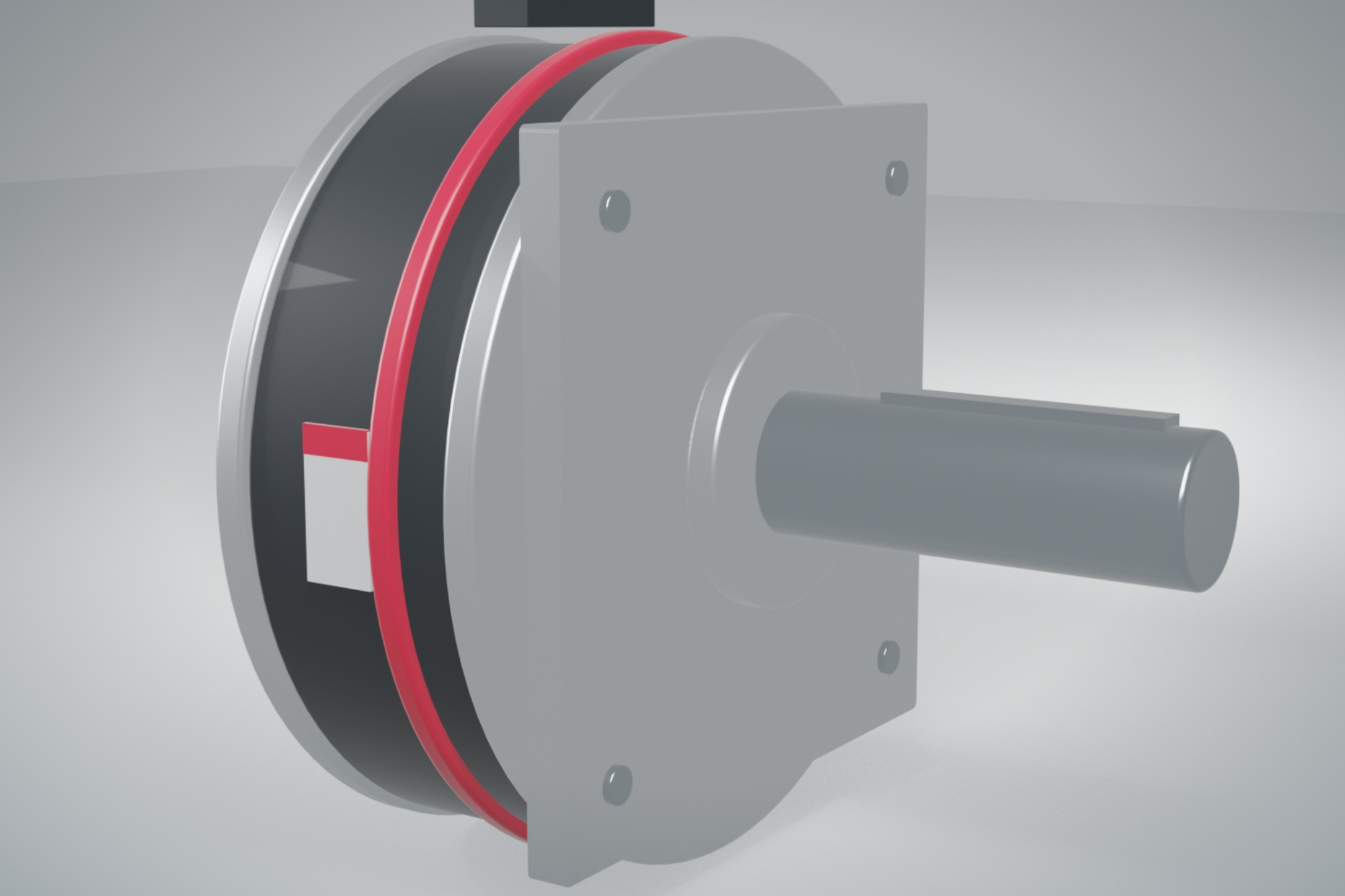
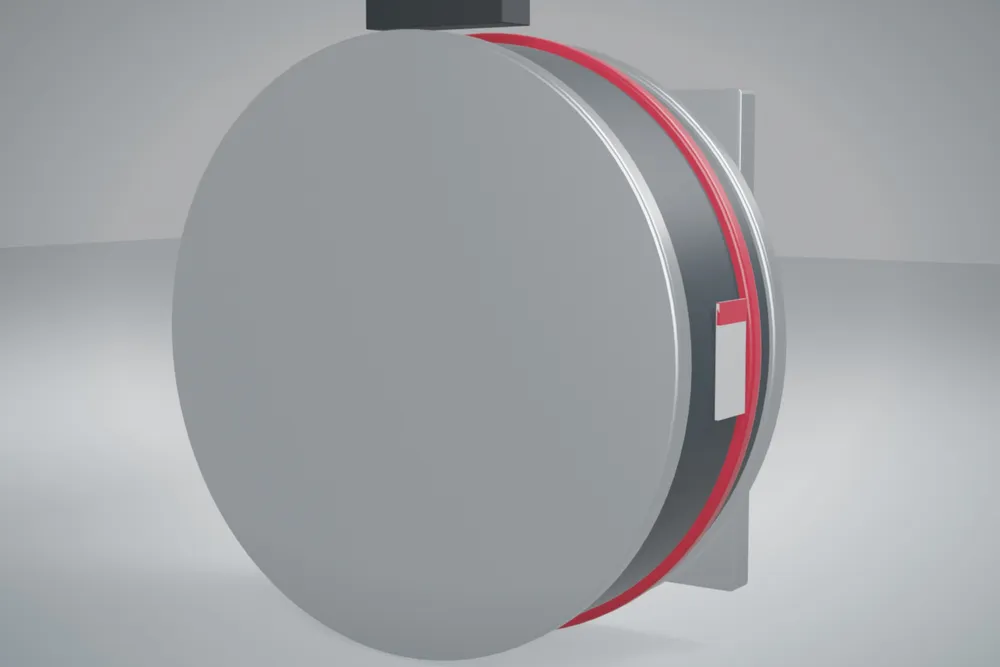
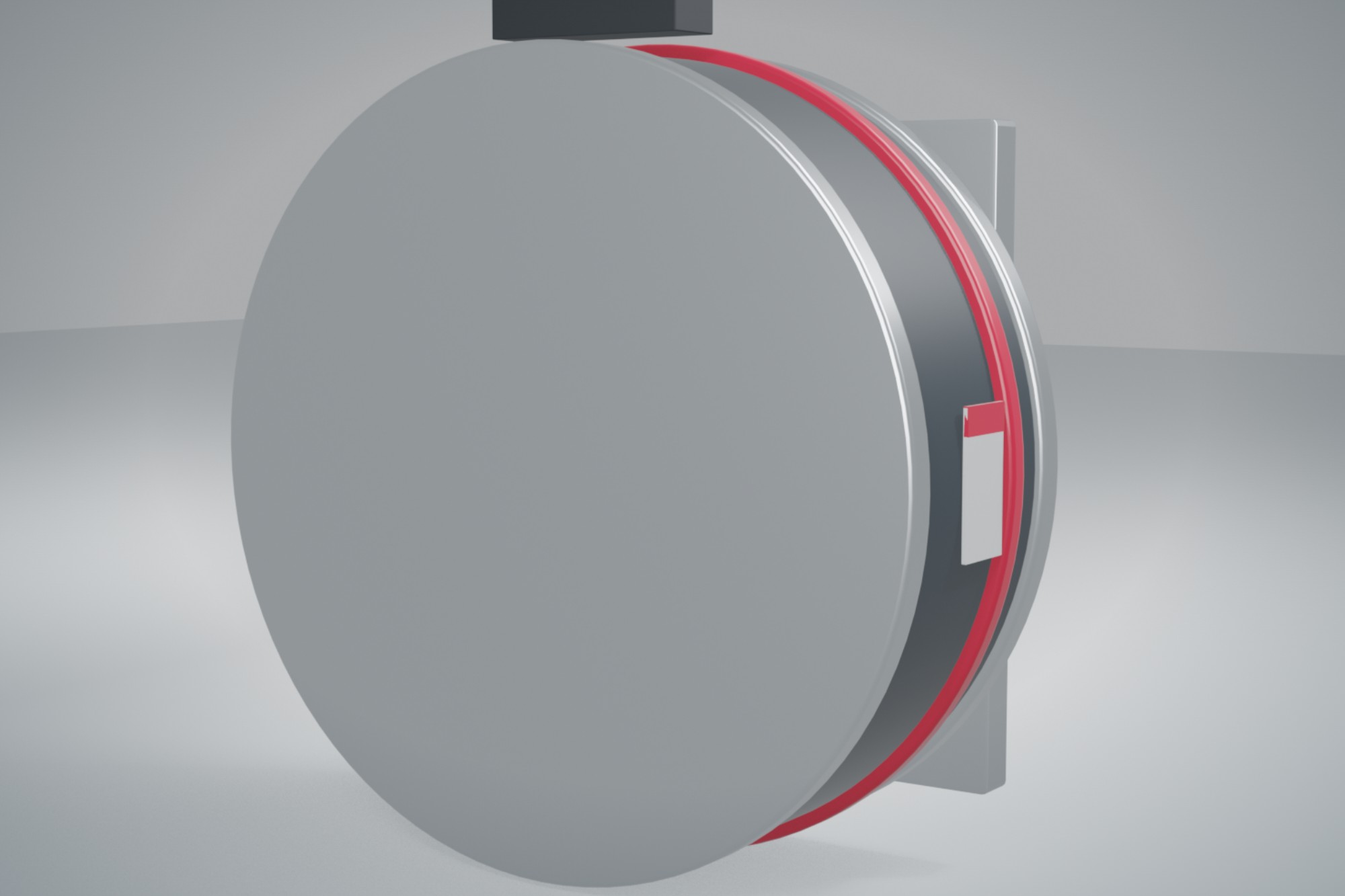
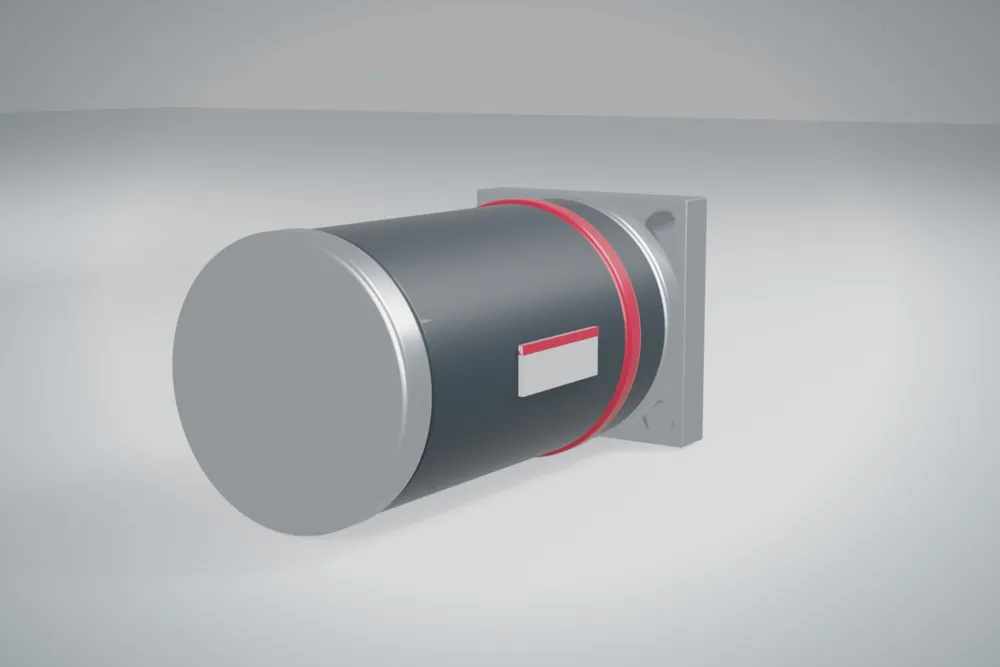
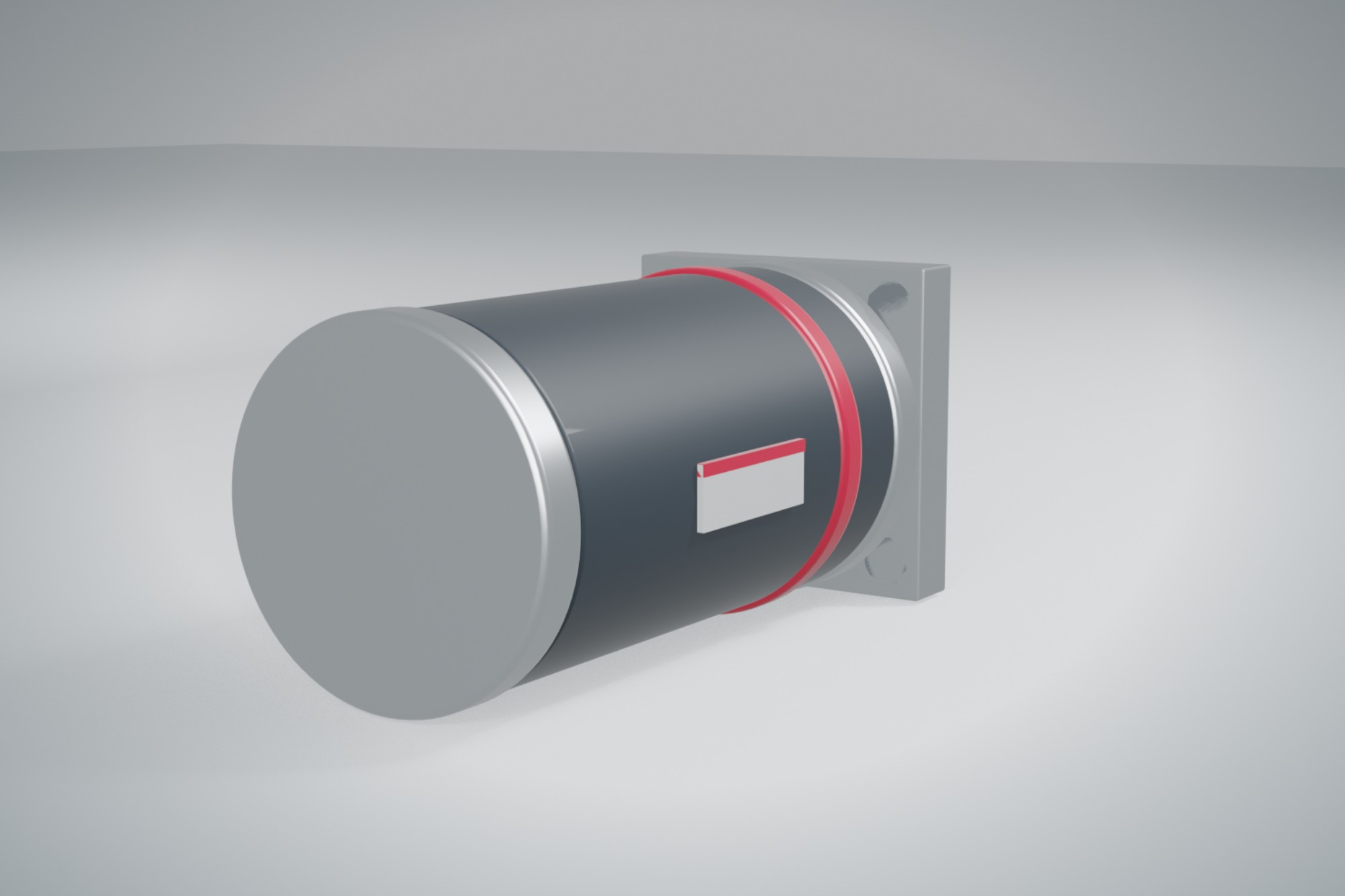
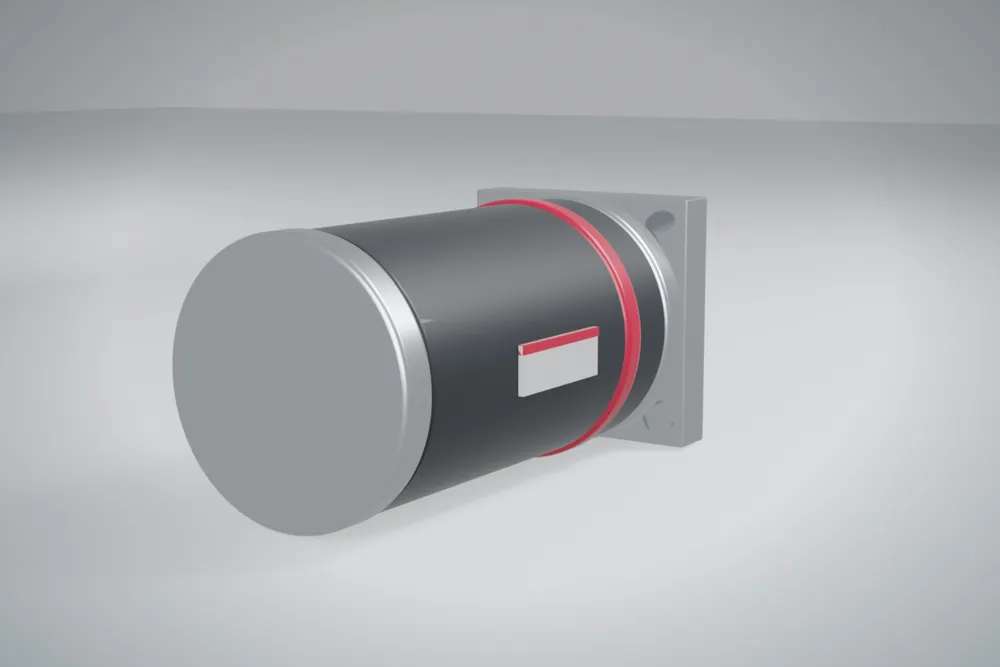
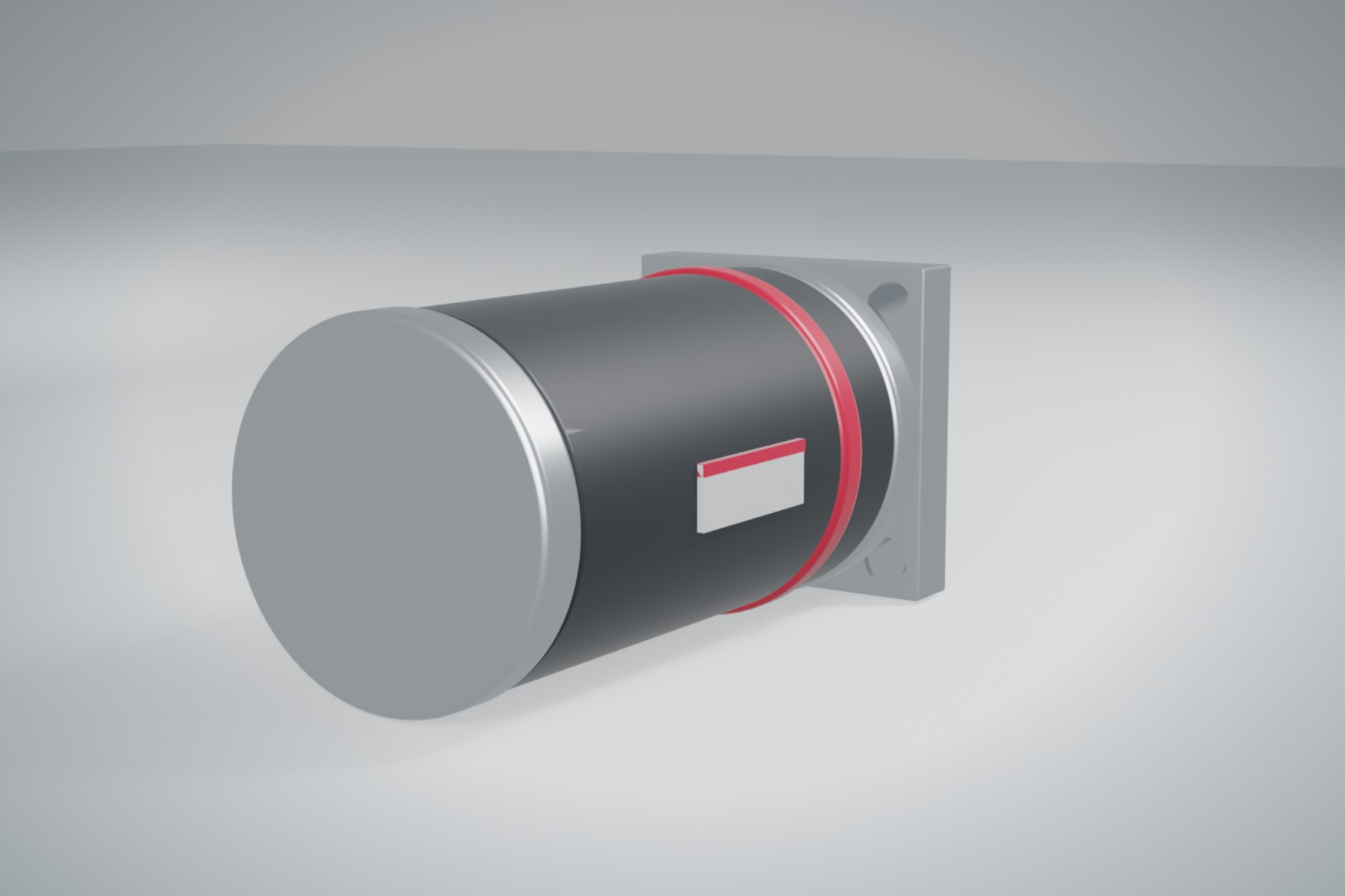
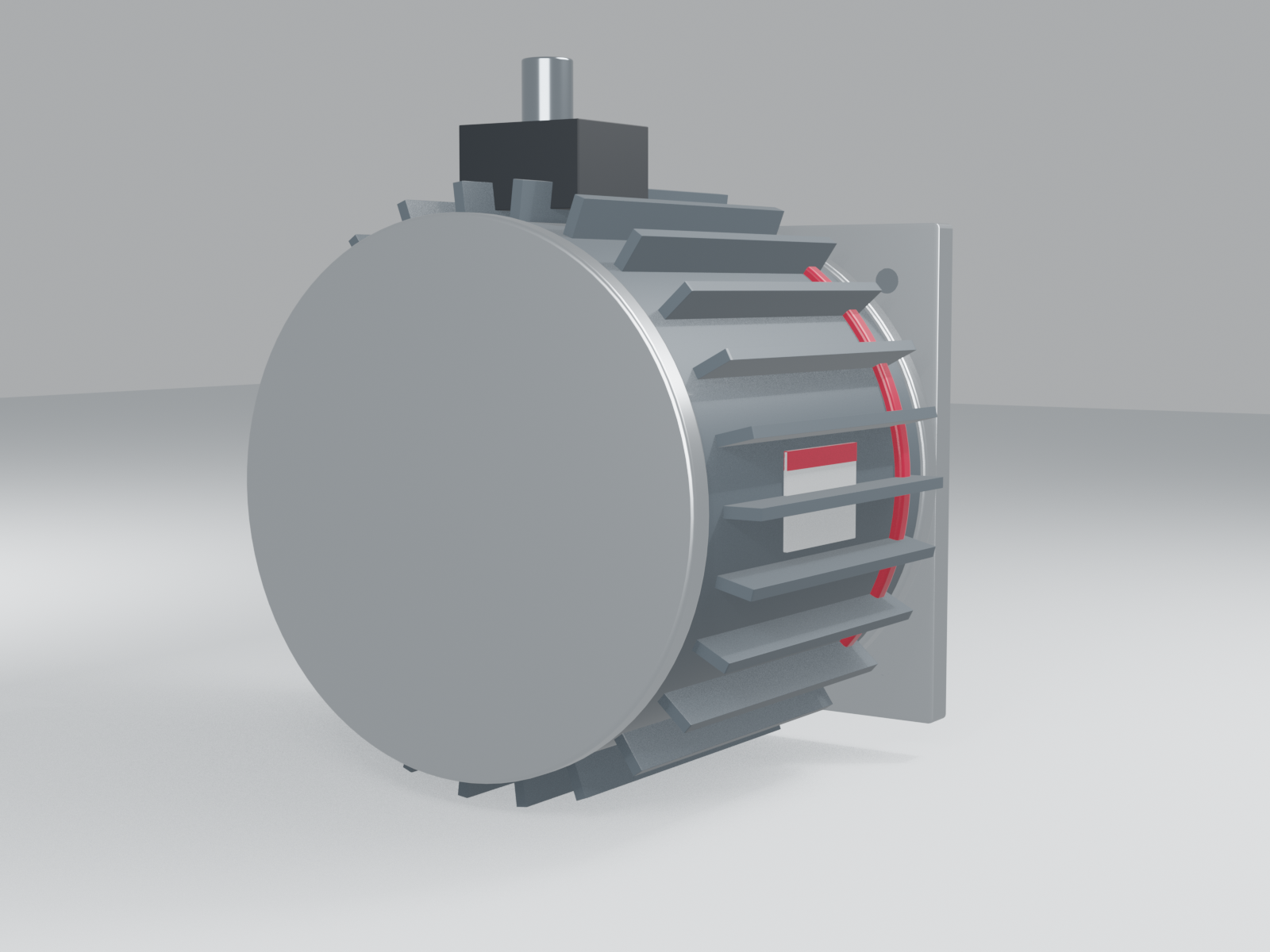
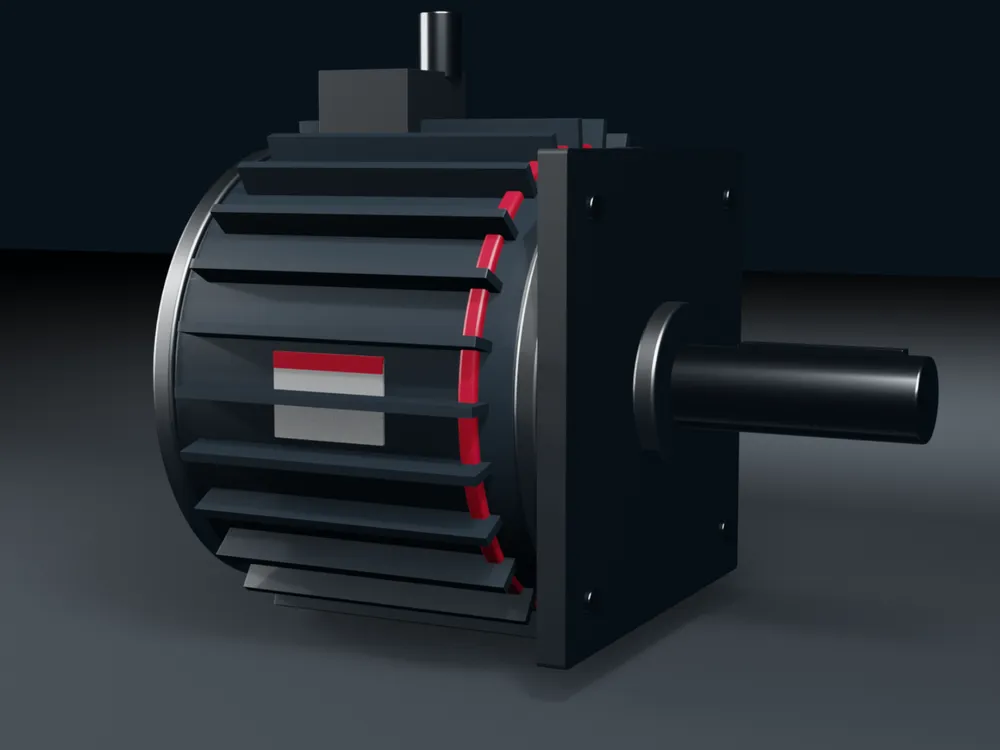
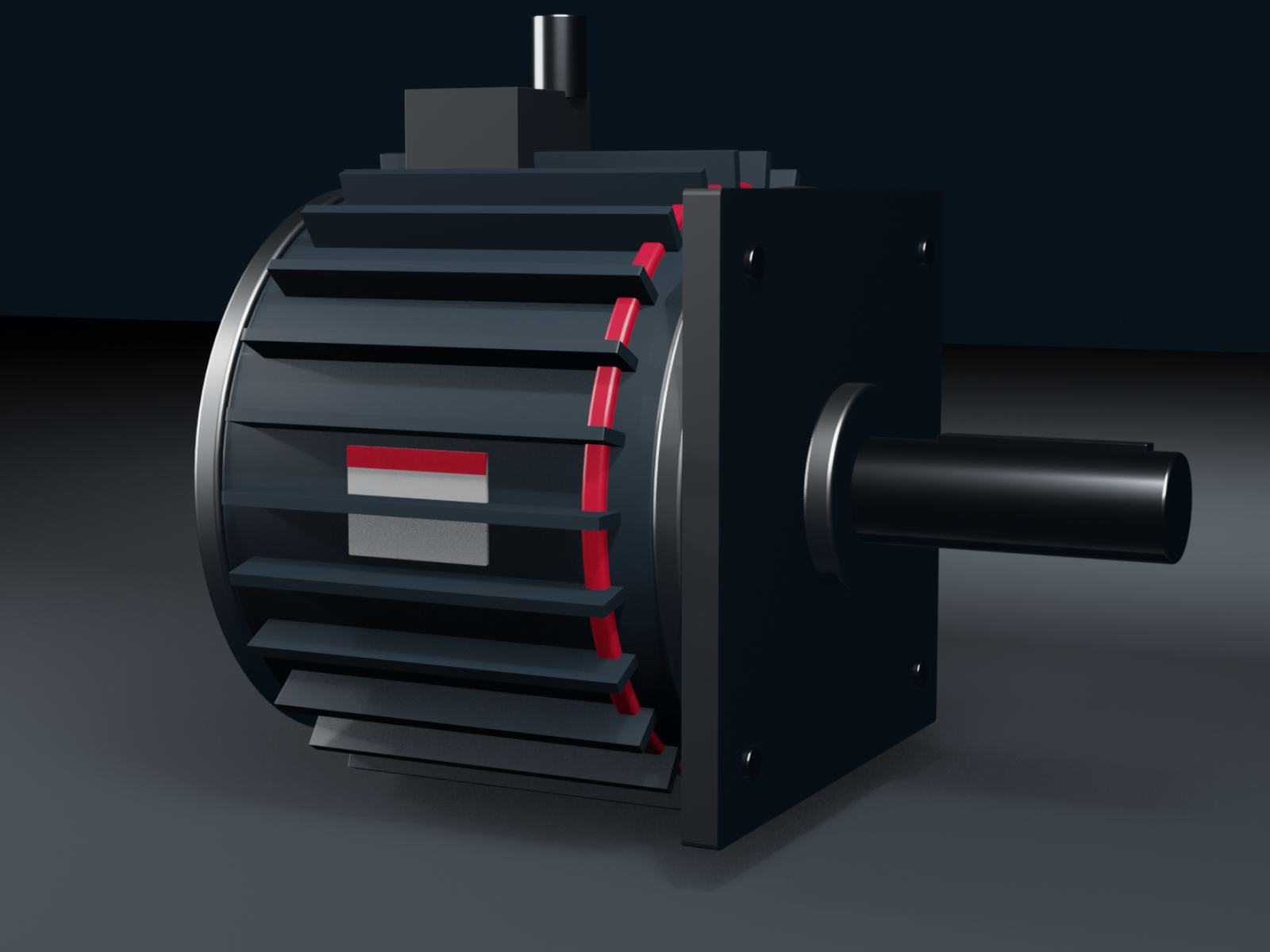
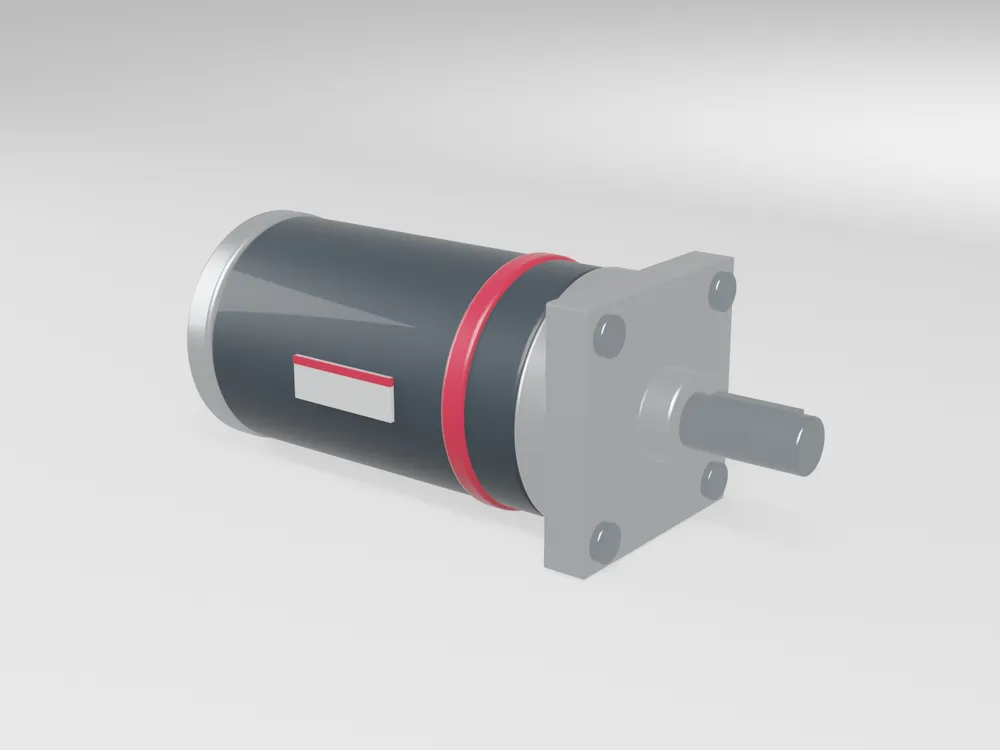
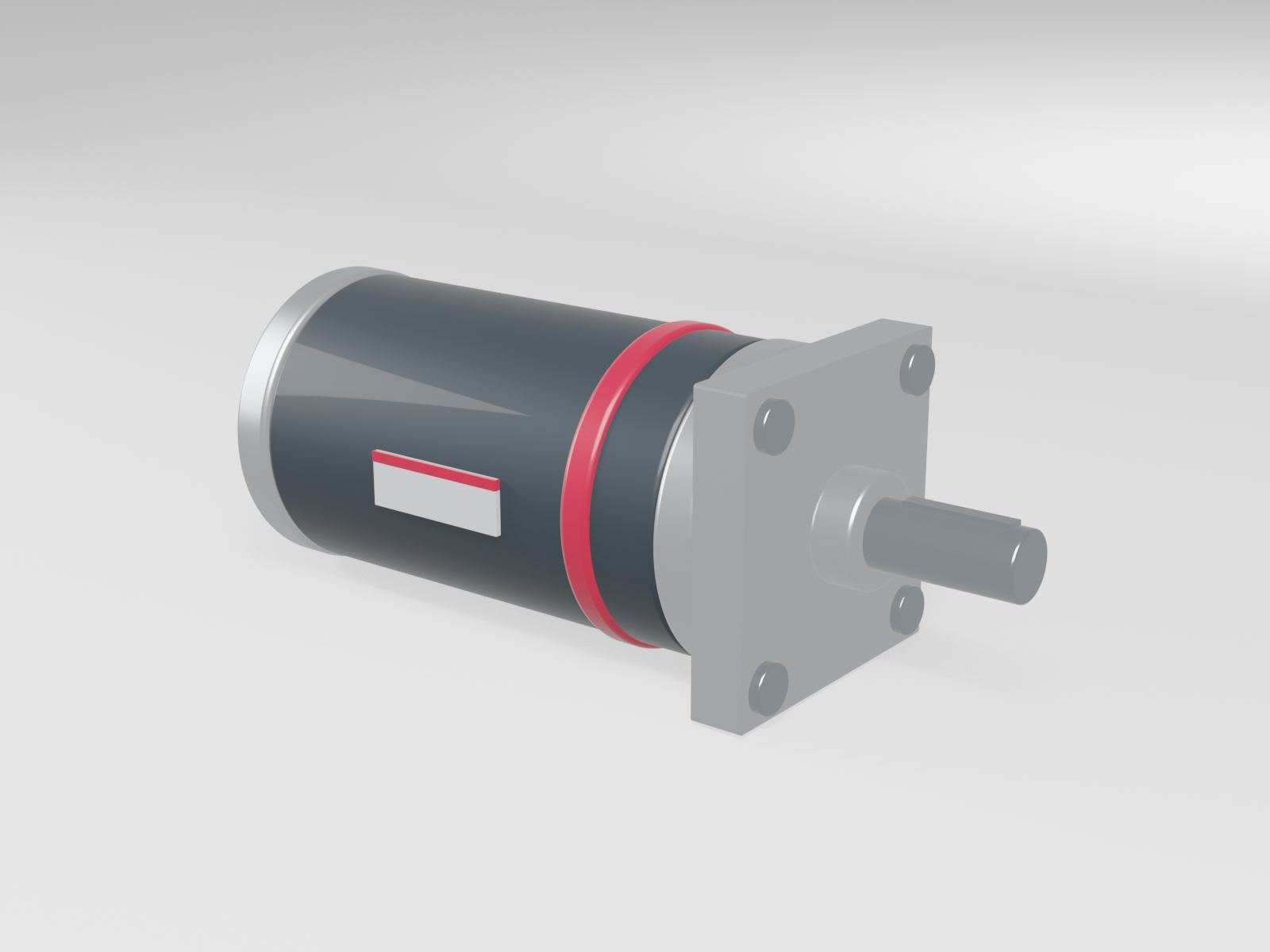
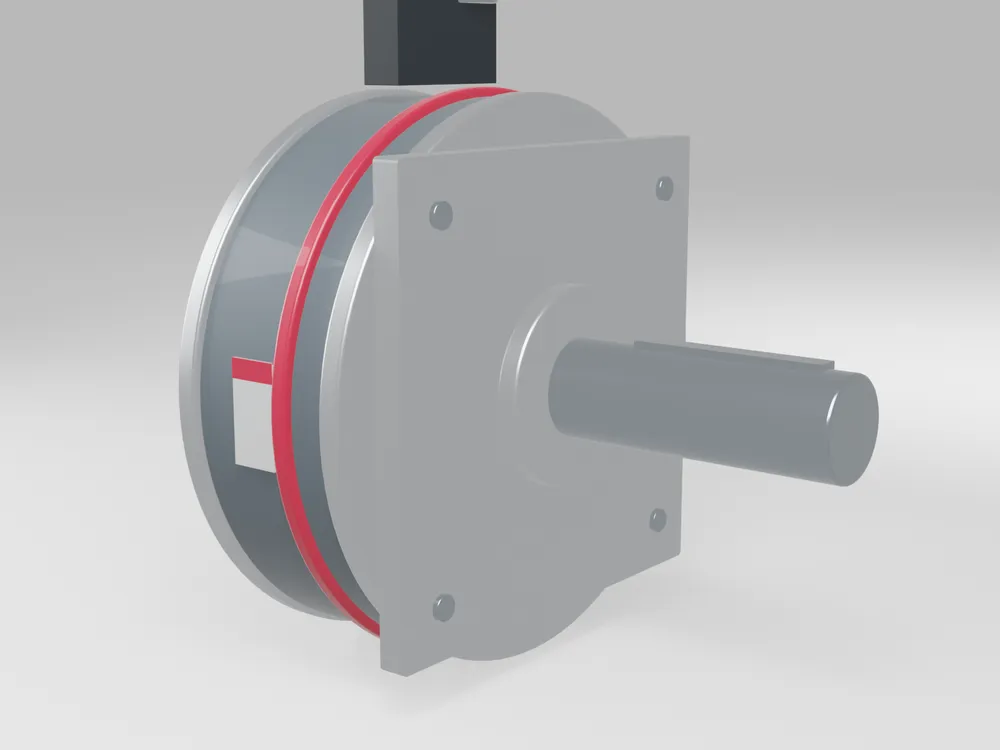
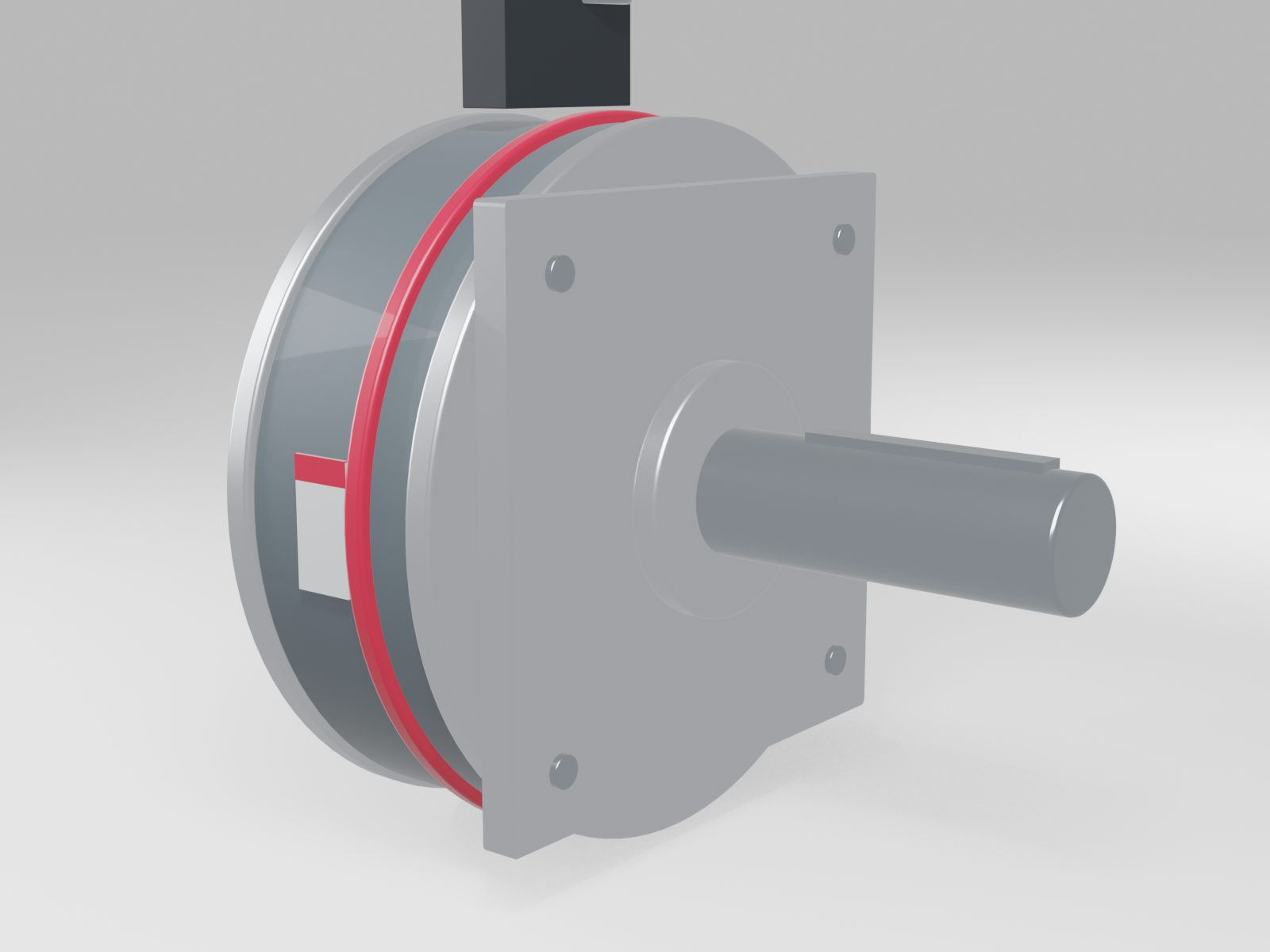
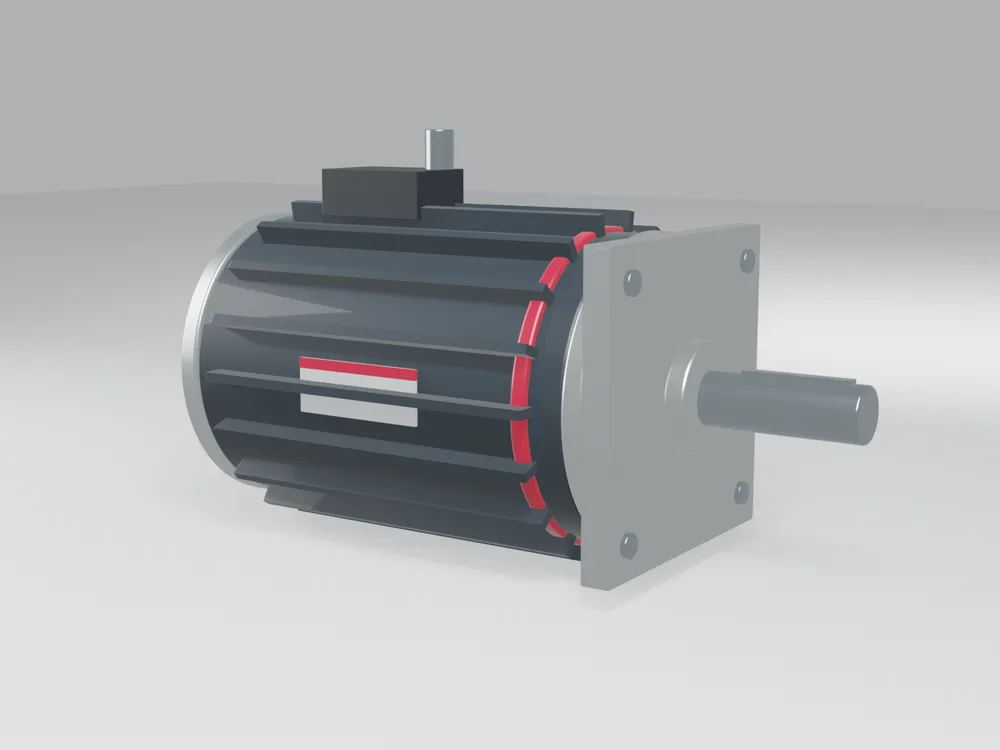
Rendered 3D models of every product family, from MicroX® to CargoMax™, are on this page as high-resolution PNG and TIFF files with transparent backgrounds. Use a render when no photograph exists yet or when you need an exploded or cutaway view. Engineering STEP files come from the product manager, not from Marketing.
Examples
The example videos and photo sets on this page show the standard we expect. Share them with agencies and freelancers as part of the brief.
Releases for people captured on film
Anyone recognizable in a photo or video must sign a release before we publish it, whether they're an employee, a customer, a distributor or a visitor. Release forms in English, German, Spanish and Hindi are on this page. File the signed release with the raw footage on the Brand drive and send a copy to brand@rpgmotor-works.com. No release, no publication.
Video and audio
Files
3D Product examples
in Photos and 3D product model examples6 files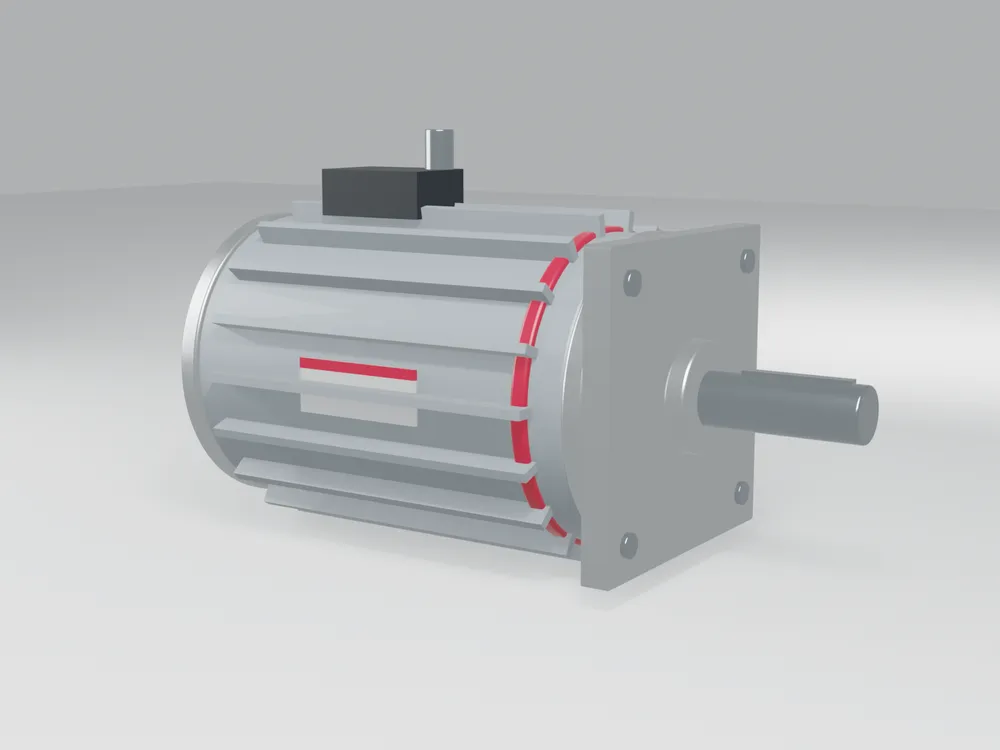
Product and system photo examples
in Photos and 3D product model examples18 files